1
SmartSim v1.2.1 – User Manual
Page 21 / 39
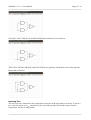
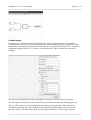
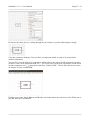
Change the text to A, and ensure the other entries match the above dialogue and click Apply.
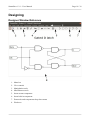
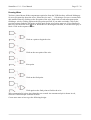
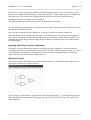
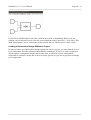
You should be left with:
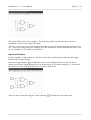
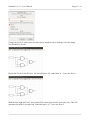
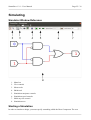
Repeat this for the lower-left wire, but instead label it “B” rather than “A”. Leave the ID as 1.
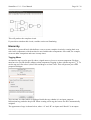
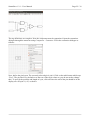
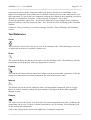
With the final right-most wire, drag outwards two dots right from the end of the wire. This will
automatically make it an output tag. Label this tag as “Q”. Leave the ID as 2.