1
An Introduction
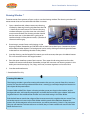
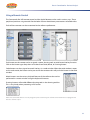
Creating Instance Movies
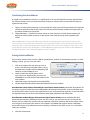
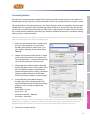
You can create an instance movie in the timeline from:
t A single instance.
t All instances in a single row chronologically.
t Selected instances across multiple rows chronologically (Merge rows).
t Sequential rows in order of row number and the selected rows (Sequential rows).
t Selection order in a single row or across multiple rows (Selection order).
Play a Single Instance
Code
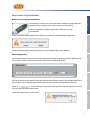
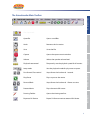
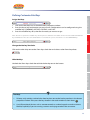
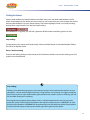
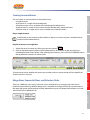
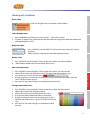
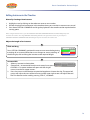
Double click on the instance in the timeline or select an instance and press the Make movie
button in the timeline tool bar.
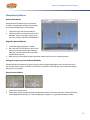
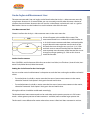
Play All Instances in a Single Row
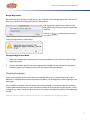
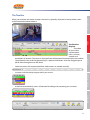
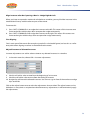
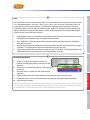
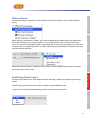
Select the row of instances by clicking on the row number.
Click on the Make movie button in the timeline tool bar. All instances in the row will play in
chronological order. Alternatively, after selecting the instances, press OPTION+COMMAND+M on
the keyboard to create the instance movie.
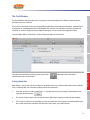
To make it even easier, double click on the row number and an instance movie will be created from
all the instances in the row.
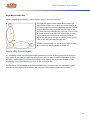
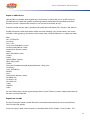
Merge Rows, Sequential Rows, and Selection Order
Distribute
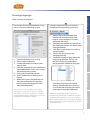
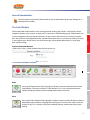
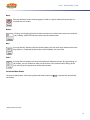
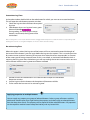
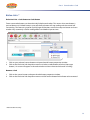
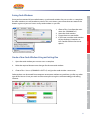
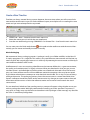
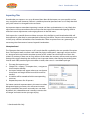
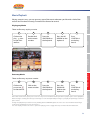
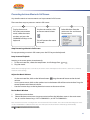
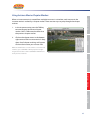
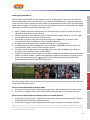
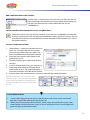
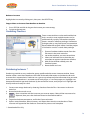
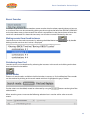
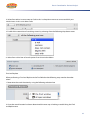
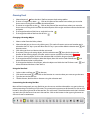
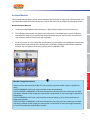
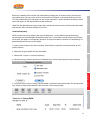
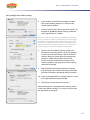
There are 3 different ways to play instances across multiple rows by changing the make movie
method in the timeline. By default, Merge rows is selected. To change, click on the square button in
the upper left corner of the timeline window. Remember to press the Make movie button or use the
shortcut OPTION+COMMAND+M.
Review / Analysis
Capture
1.
2.
61