1
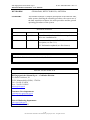
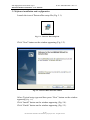
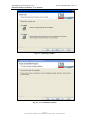
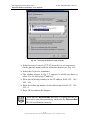
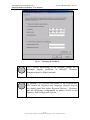
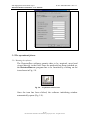
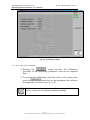
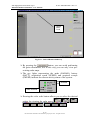
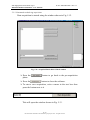
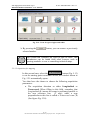
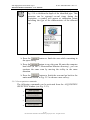
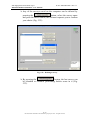
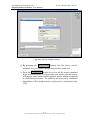
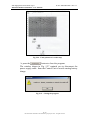
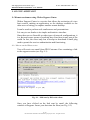
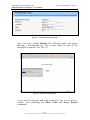
IDS Ingegneria Dei Sistemi S.p.A. DETECTOR DUO SYSTEM – User manual N doc: MN/2009/028 - Rev. 1.1 Fig. 5.5 – Installation completed window Automatically a shortcut of the DetectorDuo.exe will be created on to desktop. The software will be installed automatically under C:\DetectorDuo\ directory. Before using the Detector software, you have to configure the notebook network card. To perform this operation in Windows 2000 Professional or Windows XP Professional, follow the steps below: Select the My Network Places icon with the right mouse button; Select the Properties button. Select the Local Area Connection (LAN) file with the right mouse button. Select the Properties command. 37 / 80 All information contained in this document is property of IDS. All rights reserved