1
Chapter 8: Tools
Testing Tools
5
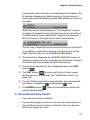
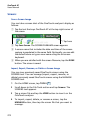
When you determine that the packets of interest have been
exchanged, tap the back button
to stop the test and the
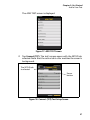
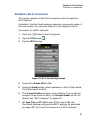
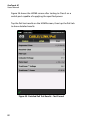
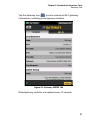
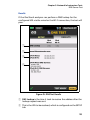
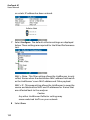
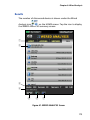
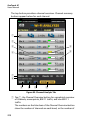
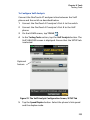
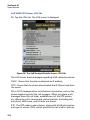
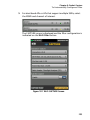
capture. The VoIP ANALYSIS configuration screen is displayed.
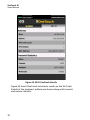
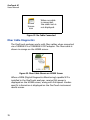
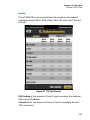
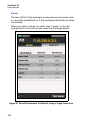
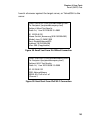
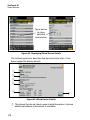
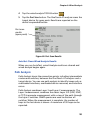
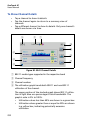
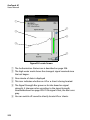
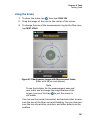
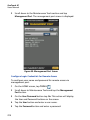
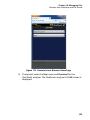
Figure 95. The VoIP Analysis - Save VoIP Capture
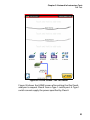
The Save VoIP Capture button is displayed, indicating that
packets were captured and they can be saved to a file.
6
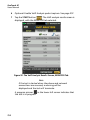
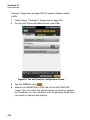
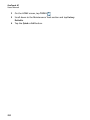
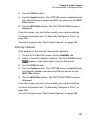
Tap the Save VoIP Capture button.
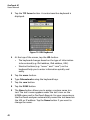
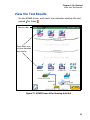
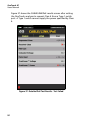
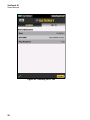
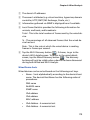
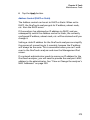
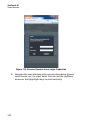
The CAPTURE FILENAME screen is displayed.
By default, the capture file name format is
cap–<date><time>.cap
You can use the keyboard to change the capture file name if
desired. The .cap extension cannot be changed.
7
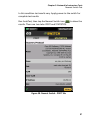
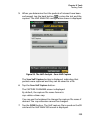
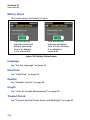
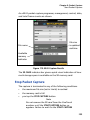
Tap the DONE button. The VoIP capture file is saved on the SD
card and the VoIP ANALYSIS screen is displayed.
259