1
More services
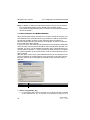
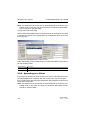
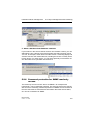
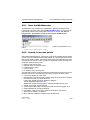
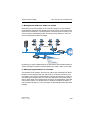
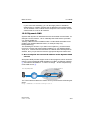
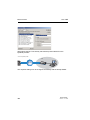
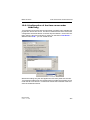
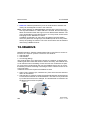
12.6 Time server for the local net
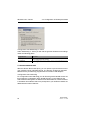
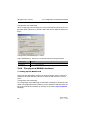
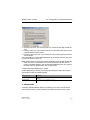
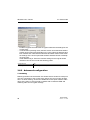
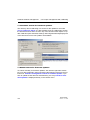
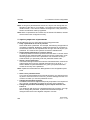
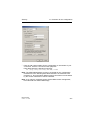
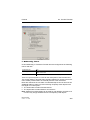
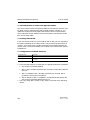
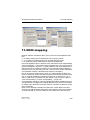
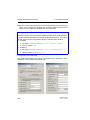
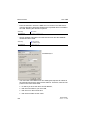
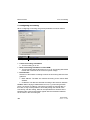
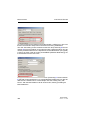
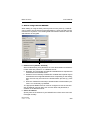
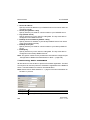
D On: As long as this option is enabled, one hour is added statically to
the current system time (comprised of UTC and time zone).
D Automatic (EU, USA, Russia): In this setting, the daylight-saving time
change is performed automatically in conformance with the time zone
of the device's location.
D Automatic (user-defined): If the device is located in an area that is not
listed here, then the daylight-saving time change options can be manually defined by the user.
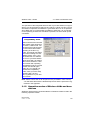
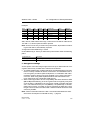
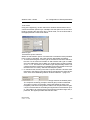
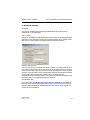
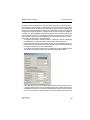
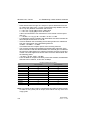
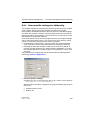
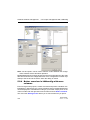
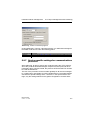
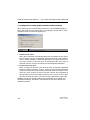
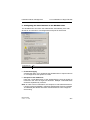
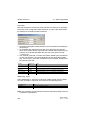
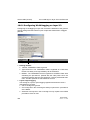
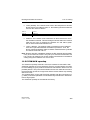
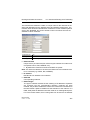
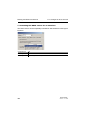
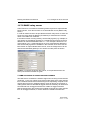
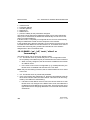
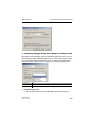
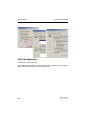
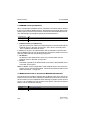
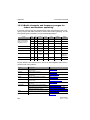
U User-defined daylight-saving time change
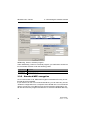
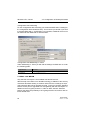
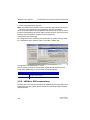
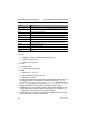
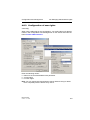
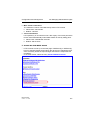
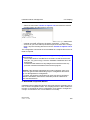
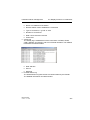
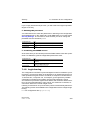
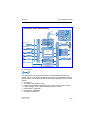
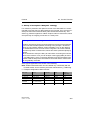
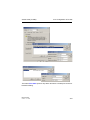
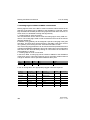
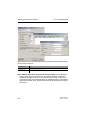
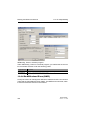
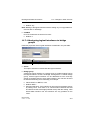
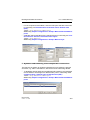
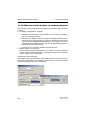
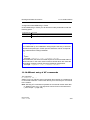
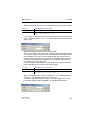
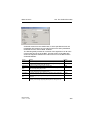
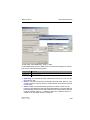
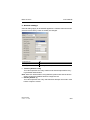
User-defined values can be set for the beginning and the end of the automatic daylight-saving time change.
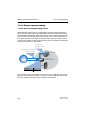
Configuration tool
Call
LANconfig
Date & time General Daylight-saving time
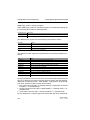
WEBconfig, Telnet
Expert configuration > Setup > Time > DST clock changes
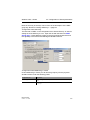
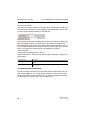
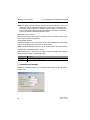
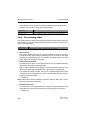
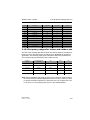
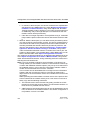
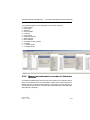
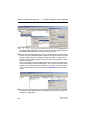
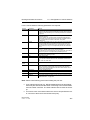
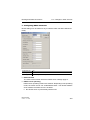
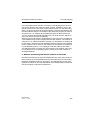
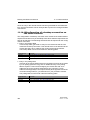
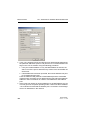
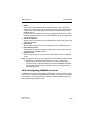
D Index
D First, second, third, fourth, last, second to last, third to last, fourth to
last: The time change will take place on this recurring day of the month.
D Day of week
D Monday to Sunday: The day on which the change will take place.
D Month
D January to December: The month on which the change will take place.
D Hour
D 0 to 23: The hour in which the change will take place.
D Minute
D 0 to 59: The minute in which the change will take place.
490
BAT54-Rail/F..
Release 7.54 06/08