1
FuZion User Manual
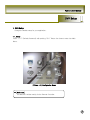
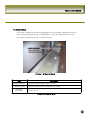
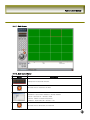
1-2. Live Mode Setup
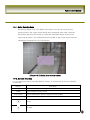
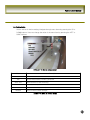
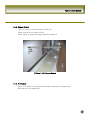
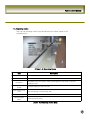
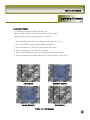
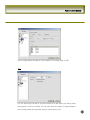
Set the values for live display. Navigate through the menu items with pressing the UP
or DOWN buttons. The values of the menu item may be changed with pressing the LEFT
or RIGHT buttons.
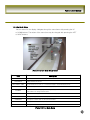
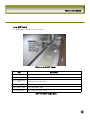
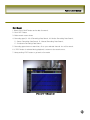
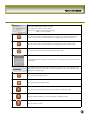
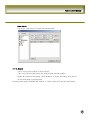
[Picture1-2] Live Mode Setup Screen
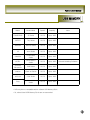
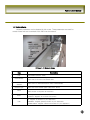
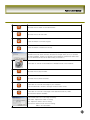
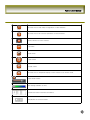
Item
OSD
SEQUENCE
SEQ-DWELL TIME
Description
Enable/disable on-screen-display.
Enable/disable SEQ button
Set the dwell time for each, 4 or 9 channels display in sequential display mode.
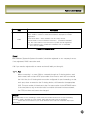
OSD CONTRAST
Set the visibility level of the On Screen Display (OSD)
CHANNEL
Select the channel for applying the following settings.
Press SELECT to change channel name.
DISPLAY
BRIGHTNESS
CONTRAST
HUE
SATURATION
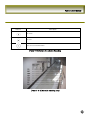
Enable/disable display of the video channel in live display mode
Change the brightness value for the specified channel
Change the contrast value for the specified channel
Change the hue value for the specified channel
Change the saturation value for the specified channel
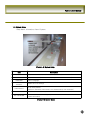
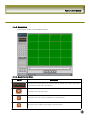
[Table1-2] Live Mode Setup
21