1
Bx 4A
SR=6900
STUFFING
(6950) ??
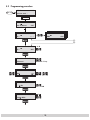
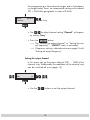
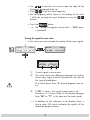
• In this case you can return to the “Setting the QAM modulation” menu using the AUDIO button and increase the QAM
modulation.
• Press the
button.
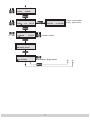
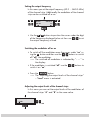
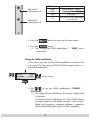
—> The “Setting a substitute signal in the case of an incorrect input signal” – “FAILURE” menu is activated.
Setting a substitute signal in the case of an incorrect input signal
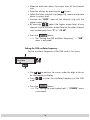
You use this menu to set whether a “Null Packets” QAM signal or a “Single Carrier” signal should be provided as an
output signal whenever an incorrect input signal occurs.
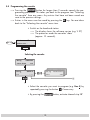
Bx 4A
FAILURE
Null Packets
Null Packets / Single Carrier
M
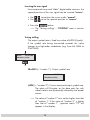
• Use the
buttons to set the output signal required.
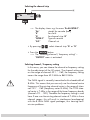
Saving settings
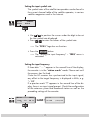
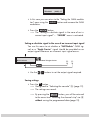
• Press the M button.
—> Going back to “Selecting the cassette”
—> The settings are saved.
A (page 12).
—> By pressing the
button, you will be returned
to the menu item “Selecting the channel strip” via B
without saving the programmed data (page 13).
- 21 -