1
Installation
METACONF
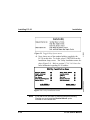
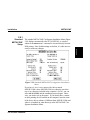
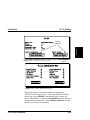
In most cases, this command line is used to invoke the appropriate driver for your mouse hardware. For example, if
you have a MouseMan serial mouse attached to your
COM2: serial port, and the mouse driver is named
MOUSE.COM, entering a Mouse Command Line of
MOUSE PC 2 loads the mouse driver properly each time
the PC-30 Configurator is invoked.
The default setting for this parameter is MOUSE. If you
delete the default setting, leaving the field empty, and you
press the [Enter] key, the default setting is automatically
restored.
☞
The full pathname for the mouse driver is optional and is
not necessary if the mouse driver is located in directory included in the system’s DOS PATH.
Mouse Type
(3-Button or 2-Button)
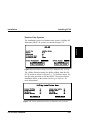
This parameter field allows you to define whether or not
you are using a 2- or 3-button mouse for your Configurator
operations. The setting of this parameter determines how
the button (keys) or your mouse functions during both
Strategy and Display Builder sessions. Refer to Using the
Mouse section in Chapter 1: Introduction for information
on how 2- and 3-button mice are used in the Configurator.
PC-30 User’s Manual
2-21
Installation
Mouse Command Line
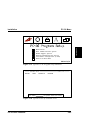
This parameter field is where you enter up to a 19-character DOS command line. When you execute this command,
it initiates the type of mouse hardware you are using in
conjunction with PC-30.