1
Chapter 1: Getting Started
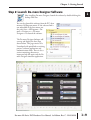
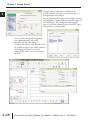
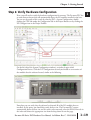
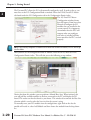
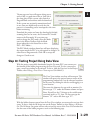
Once you have selected the module, it will appear in the slot that was chosen.
If an I/O module is manually configured but is not available for install or if at any time it has
been removed for maintenance, the I/O configuration will allow you to place that module in
an Optional state. This will allow the PLC to function properly without any hardware
mismatch errors. As previously mentioned, the Do-more PLC will not enter Run mode if the
configuration does not match the actual modules installed. With the Optional state, these
errors can be avoided.
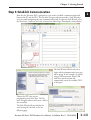
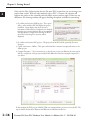
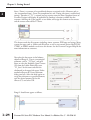
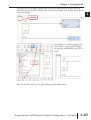
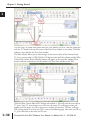
To make a module Optional, right click on the module and select Optional from the drop
down list. The module will be labeled with the word “Optional” and the PLC will ignore it
when performing the configuration comparison.
Do-more H2 Series PLC Hardware User Manual, 1st Edition, Rev. C - H2-DM-M
1
2
3
4
5
6
7
8
9
10
11
12
13
14
A
B
C
D
1–21