1
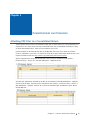
Step 2: Verifying electronic filing setup
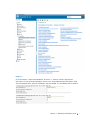
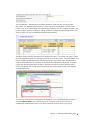
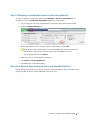
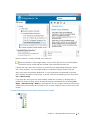
Click the Return Group icon in the navigation panel to determine which returns are qualified or
disqualified for electronic filing.
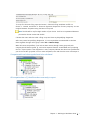
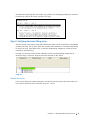
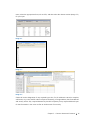
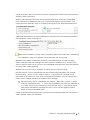
The ‘Q’ to the left of the company name indicates it is selected and qualified for electronic filing.
Those without the ‘Q’ still have disqualifying diagnostics, or have not been selected for electronic
filing. In the image below, the parent return either has disqualifying diagnostics for electronic
filing or electronic filing has not been activated for the return.
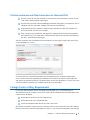
Balance-due returns
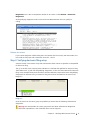
If you receive a diagnostic stating there is a balance due but no entry has been made as to how it
will be filed, enter Yes in Line 2, File balance due return electronically, of the General > Electronic
Filing > General Worksheet.
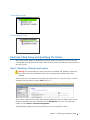
Step 3: Exporting a consolidated return
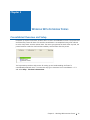
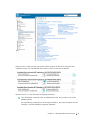
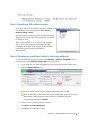
Once all the returns in the consolidated group are qualified
for electronic filing, open the consolidated return and select
File > Export > Electronic Filing > Return.
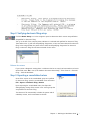
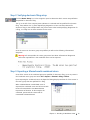
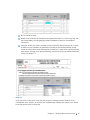
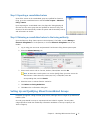
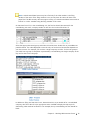
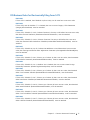
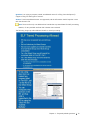
Upon exporting the consolidated return, the Export ELF
dialog displays, listing all the returns in the return group that
are qualified for electronic filing.
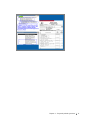
This electronic file automatically includes the parent and all
subsidiary returns, and is transmitted to the IRS.
Chapter 1 - Working In Worksheet View
5