1
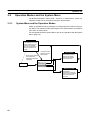
Operation Modes and the System Menu
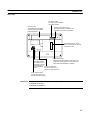
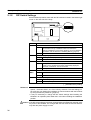
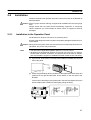
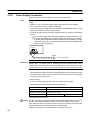
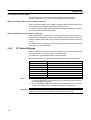
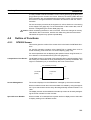
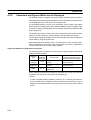
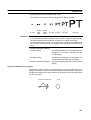
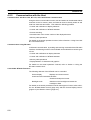
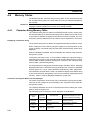
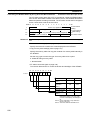
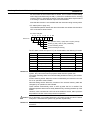
Selecting the Menu Items
Section 3-3
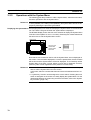
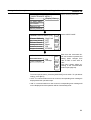
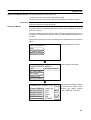
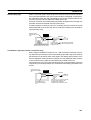
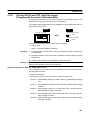
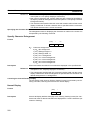
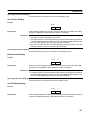
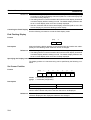
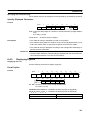
Press (touch) a menu item on the screen to select the item.
Menu items allow to make the ON/OFF selection or to call subsequent menu or
screen.
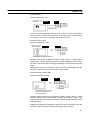
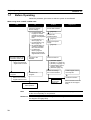
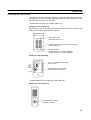
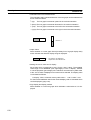
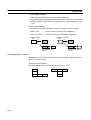
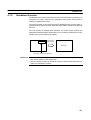
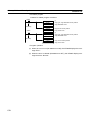
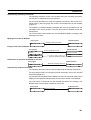
Example :
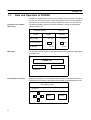
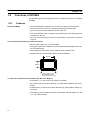
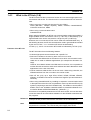
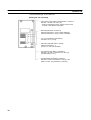
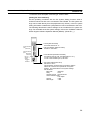
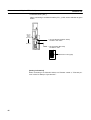
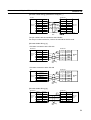
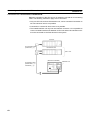
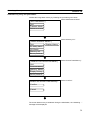
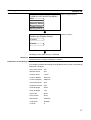
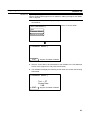
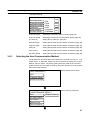
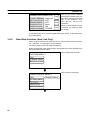
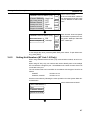
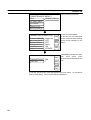
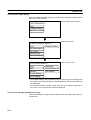
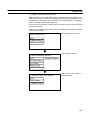
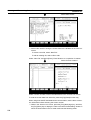
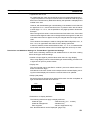
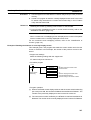
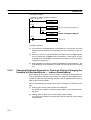
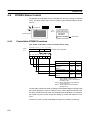
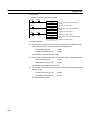
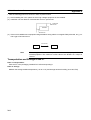
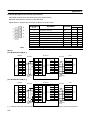
To call the “Maintenance Mode Menu” by pressing the “Maintenance Mode” on the
System Menu screen:
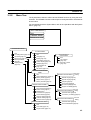
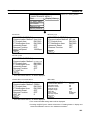
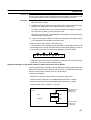
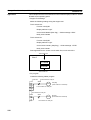
[ SYSTEM MENU ]
Quit
Transmit Mode
Maintenance Mode
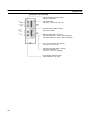
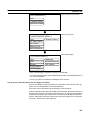
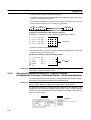
[ MAINTENANCE MENU ]
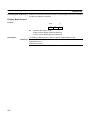
Display History
Quit
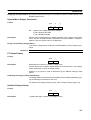
PT Setting Status
I/O Check
Memory Init.
Memory Switches
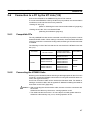
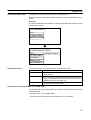
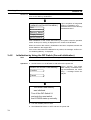
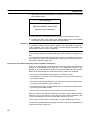
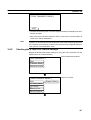
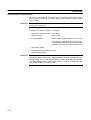
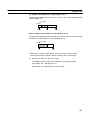
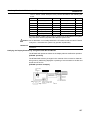
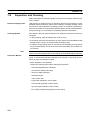
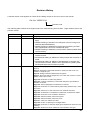
System Menu Items
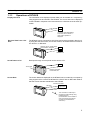
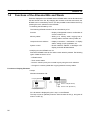
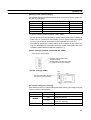
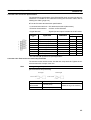
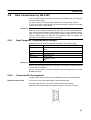
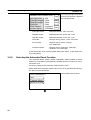
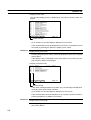
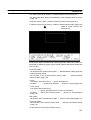
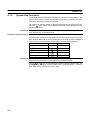
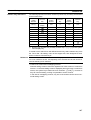
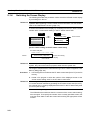
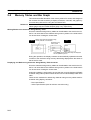
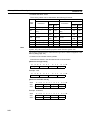
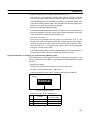
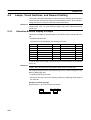
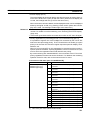
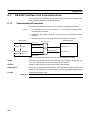
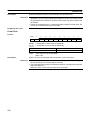
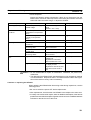
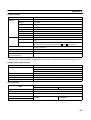
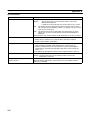
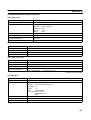
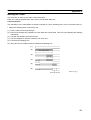
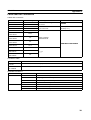
The System Menu items and the functions are as given below.
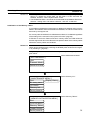
Menu Item
Function
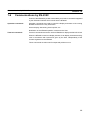
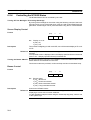
Quit
The System Menu screen is cleared and the NT600S will return
to the RUN mode.
Transmit Mode
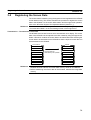
The Transmit Mode screen will be displayed to allow the transmission of the screen data between the NT600S and the support
tool. For the transmission of the screen data, refer to Section 3-5
Registering the Screen Data (page 79).
Maintenance Mode The Maintenance Mode menu will be displayed to allow the
maintenance of the NT600S system.
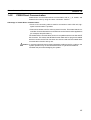
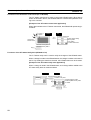
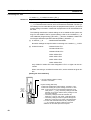
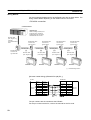
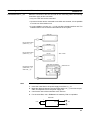
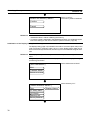
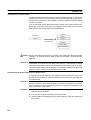
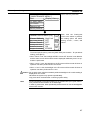
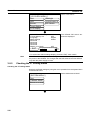
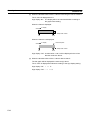
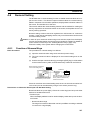
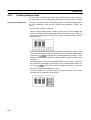
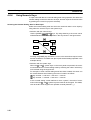
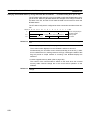
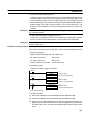
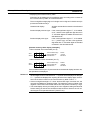
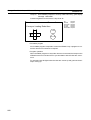
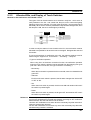
Switching from the System Menu to the RUN mode
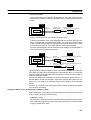
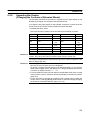
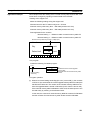
The NT600S will exit the System Menu and switch to the RUN mode in the cases
mentioned below.
S Selecting “Quit” in the System Menu.
S The screen (touch switches) is not pressed for over 10 seconds.
71