1
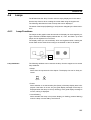
Lamps, Touch Switches, and Numeral Setting
5-3-5
Section 5-3
Notifying the PC that a Switch has been Pressed
(Determining Touch Switch Status)
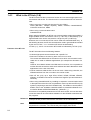
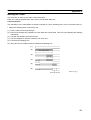
This section describes how the status of a touch switch (whether it has been
pressed or not) is ascertained.
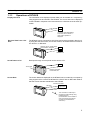
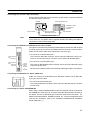
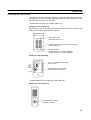
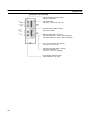
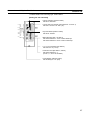
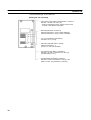
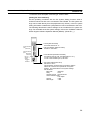
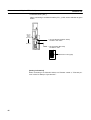
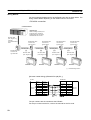
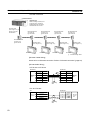
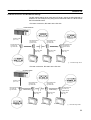
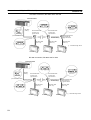
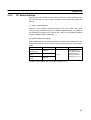
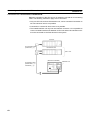
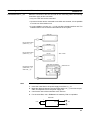
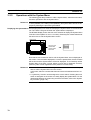
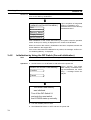
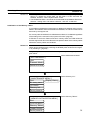
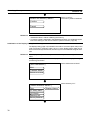
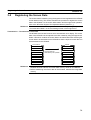
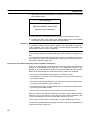
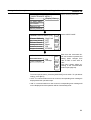
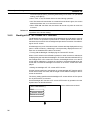
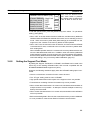
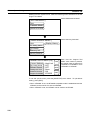
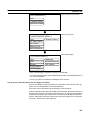
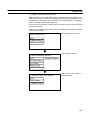
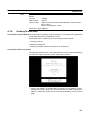
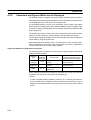
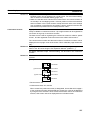
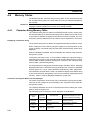
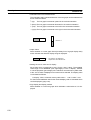
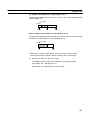
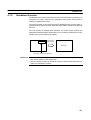
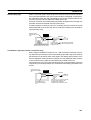
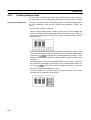
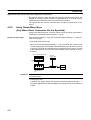
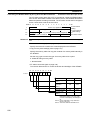
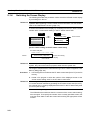
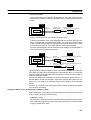
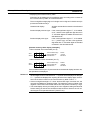
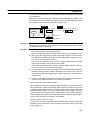
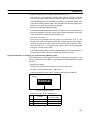
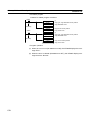
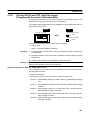
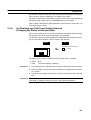
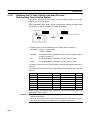
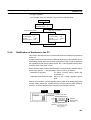
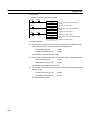
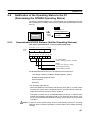
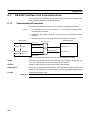
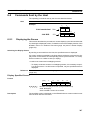
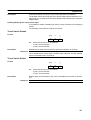
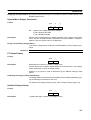
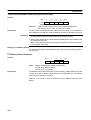
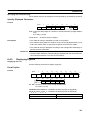
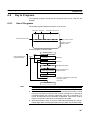
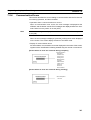
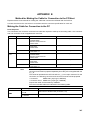
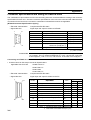
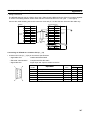
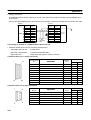
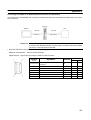
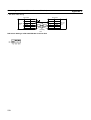
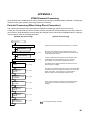
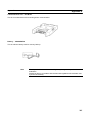
With the NT600S, when a touch switch is pressed, the notify bit allocated to that
touch switch in the PC memory is automatically notified.
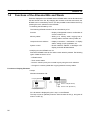
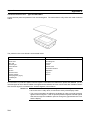
Touch switch 1
NT600S
PC
Allocated notify bit (touch switch #1)
1
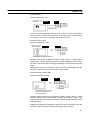
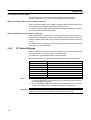
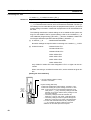
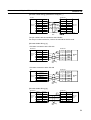
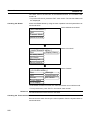
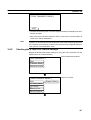
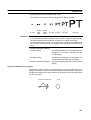
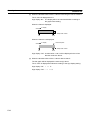
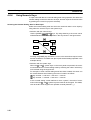
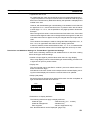
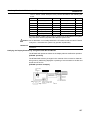
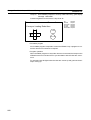
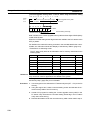
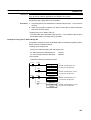
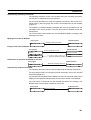
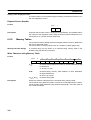
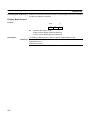
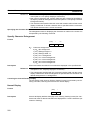
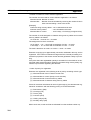
The status of the notify bit reflects the touch switch status, as follows:
Momentary : 0 (OFF) ... Not pressed
1 (ON) ... Pressed
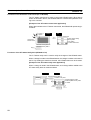
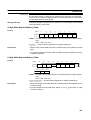
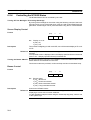
Alternate
: The bit allocated for notification is set to 1 (ON) if currently 0, and to
0 (OFF) if currently 1.
Set
: The bit allocated for notification is forcibly set to 1 (ON).
Reset
: The bit allocated for notification is forcibly set to 0 (OFF).
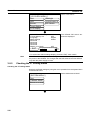
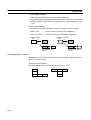
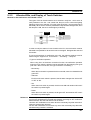
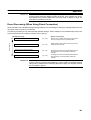
The status of a touch switch is determined by checking the ON/OFF status of its
notify bit.
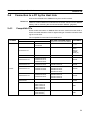
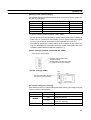
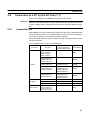
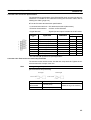
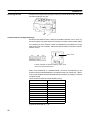
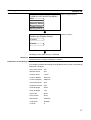
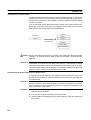
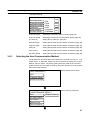
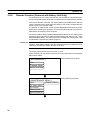
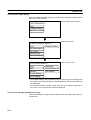
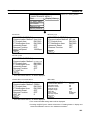
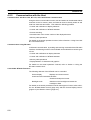
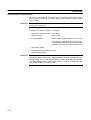
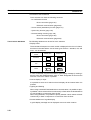
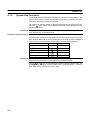
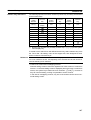
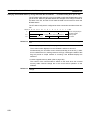
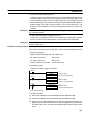
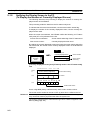
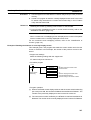
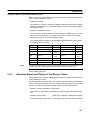
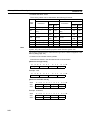
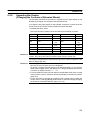
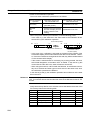
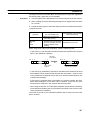
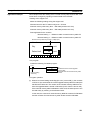
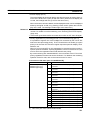
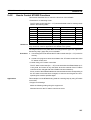
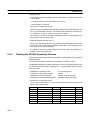
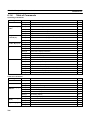
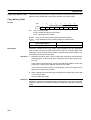
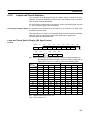
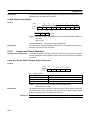
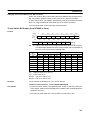
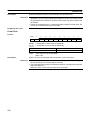
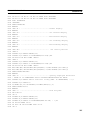
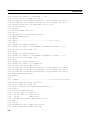
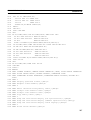
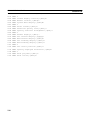
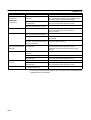
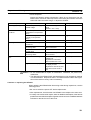
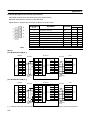
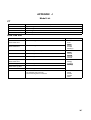
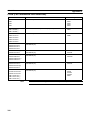
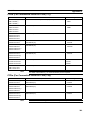
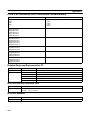
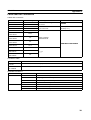
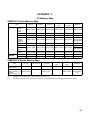
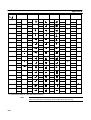
The touch switch notify bits can be allocated to the following areas of the PC
memory.
Symbol
C Series PCs
DM
Data memory
CH
TIM
Allocated
CVM1/CV Series PCs
Allocated
OK
Data memory
OK
Internal/Special Relay
OK
Internal/Special Relay
OK
Timer
NG
Timer
NG
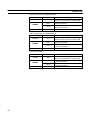
CNT
Counter
NG
Counter
NG
HR
Holding Relay
OK
–
AR
Auxiliary Relay
OK
Auxiliary Relay
LR
Link Relay
OK
–
NG
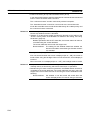
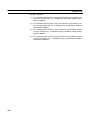
When making a data memory (DM) specification, specify the bit number (00 to 15)
following the word number.
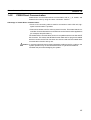
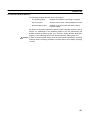
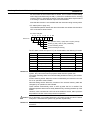
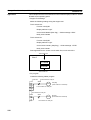
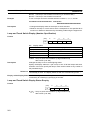
Reference S It is not possible to allocate a momentary switch to the same word as an alternate/set/reset switch.
S Since all the CVM1/CV-series special auxiliary relays are allocated to the system, they cannot be used for applications not related to the system.
186