1
Appendix A Testing Example
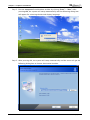
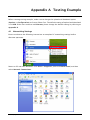
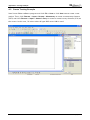
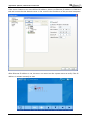
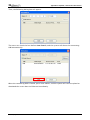
Next, click Options > Network Setting.
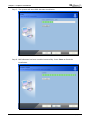
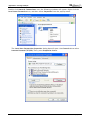
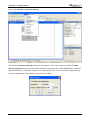
The following Remote Setting dialog box will appear. Check the check box before Enable
eServer/Remote and set a password for network communication. After OK button is pressed,
HMI networking is completed. Compile the edited project file at the end of the programming
and the edited project file could be transferred to HMI.
A-6
Revision July, 2010