1
PPA Datalogger Software User Manual
4.2
Saving Configurations
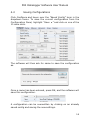
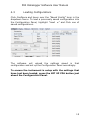
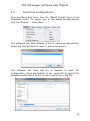
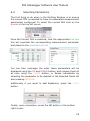
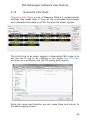
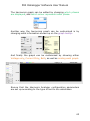
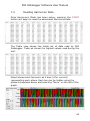
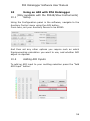
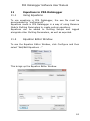
Click Configure and hover over the “Saved Config” term in the
dropdown menu. To save the current configuration from the
Configuration Panel, highlight “Save ►” and click on one of the
10 save slots.
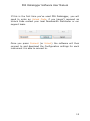
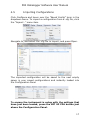
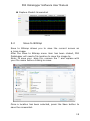
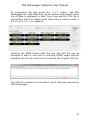
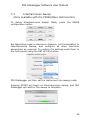
The software will then ask for name to save the configuration
as.
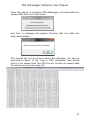
Once a name has been entered, press OK, and the software will
save this configuration.
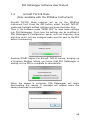
A configuration can be overwritten by clicking on an already
saved config and saving the new settings.
14