1
3. Troubleshooting
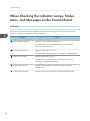
When Checking the Indicator Lamps, Status
Icons, and Messages on the Control Panel
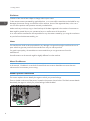
Indicators
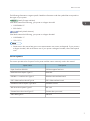
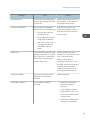
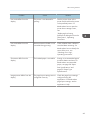
This section describes the indicators displayed when the printer requires the user to remove misfed
paper, to add paper, or to perform other procedures.
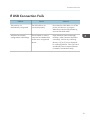
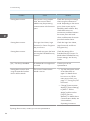
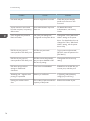
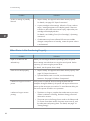
Indicator
: Paper Misfeed indicator
Status
Appears when a paper misfeed occurs.
For details about removing jammed paper, see page 85
"Removing Jammed Paper".
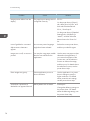
: Load Paper indicator
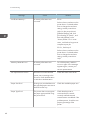
Appears when paper runs out.
For details about loading paper, see page 27 "Loading Paper".
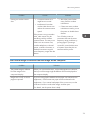
: Add Toner indicator
Appears when toner runs out.
For details about adding toner, see "Adding Toner (Print
Cartridge)", Operating Instructions.
50
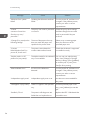
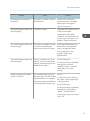
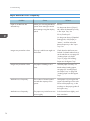
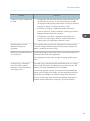
: Service Call indicator
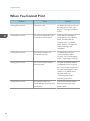
Appears when the printer is malfunctioning or requires
maintenance.
: Cover Open indicator
Appears when one or more covers of the printer are open.