1
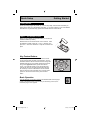
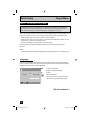
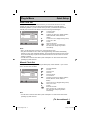
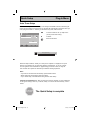
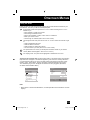
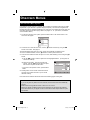
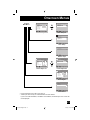
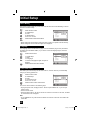
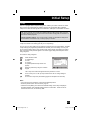
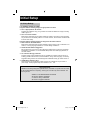
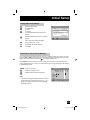
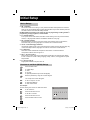
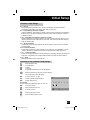
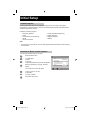
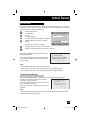
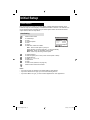
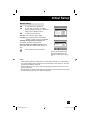
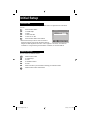
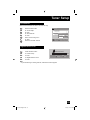
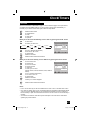
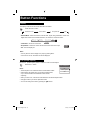
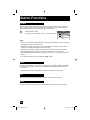
Initial Setup Auto Shut Off This function automatically shuts off your TV when there is no signal from the channel the TV is on. Press the MENU button π† √® π† √® To To To To "Initial Setup" enter "Auto Shut Off" turn "On" or "Off" Initial Setup 2/2 On Auto Shut Off Software Version Press the MENU button when finished Back MENU Select Operate Back Exit • If the channel that you have on does not receive a signal for more than one minute, the blinking text “No Program or Weak Signal Auto shut off in 9 min.” appears on the screen, and starts the countdown. If no signal is being received within 10 minutes, the TV shuts itself off. Software Version You can confirm the Software Version. Press the MENU button π† √® To "Initial Setup" To enter π† To "Software Version" √® √® To enter Select close when you are finished confirming your software version Press the MENU button when finished 32 LCT2033 English.indd 32 2/14/06 9:21:01 AM