1
Pub. # OM18-Quad1000
Reinstalling USB- Serial Converter (Part# 41377) Drivers
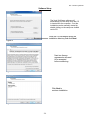
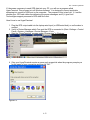
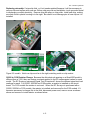
Insert the Veris SoilViewer disk once the Veris SoilViewer appears click cancel.
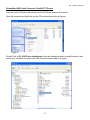
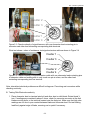
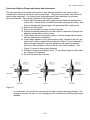
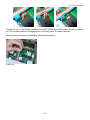
Open My computer and right click on the CD rom drive then click on Explore
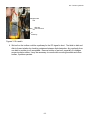
Figure 2
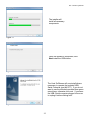
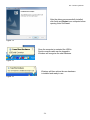
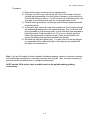
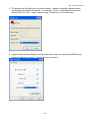
Double Click on PL-2303 Driver Installer.exe follow the installation guide to install the driver, then
restart your computer and plug in the USB- Serial converter cable to try again.
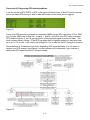
Figure 3
5-3