1
User’s manual of MCMe3.0
www. sendig.com
Beijing SENDIG Technology Co. LTD
(3) Confirm alarm event
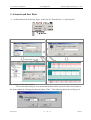
Click “Confirm” to change all unconfirmed alarm records to be confirmed.
(4) Printing
Click “Print” to print selected records to Excel.
5.10 Database maintenance
5.10.1 Backup and Restore Database
Backup of the Current Database
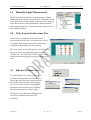
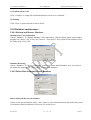
Choose “Database” “Backup database” in the main menu. Choose backup option in the window
popping out. Choose “All” to save all. Choose a “Time Period” for a period of time and then select
the time period. Click “OK”.
Database Restoring
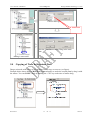
Choose “Database” “Recover Database” in the main menu and the database to be recovered in
the dialog box popping out. Click “Open” to restore the database.
5.10.2 Delete Data from the current Database
Delete data from the current database
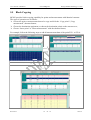
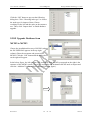
Choose a time period and then click “Clear” button to clear all measurement data within the period.
Cleared data cannot be undeleted. Therefore, be careful in use.
Revision B
18
of
18
06-4-10