1
312
MaxTime
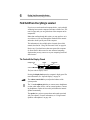
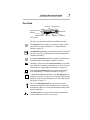
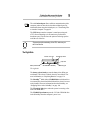
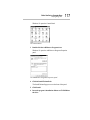
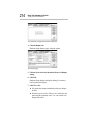
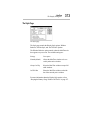
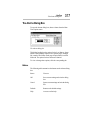
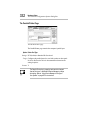
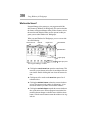
The Display Dialog Box
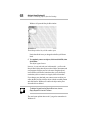
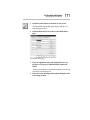
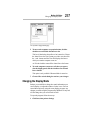
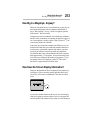
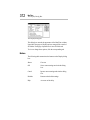
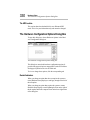
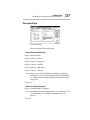
The Display dialog box
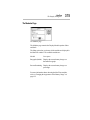
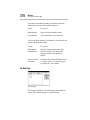
This dialog box controls the appearance of the MaxTime window.
It provides four pages of display options, arranged like a stack of
file folders. Each page of options has its own file folder tab.
To view or change these options, click the corresponding tab.
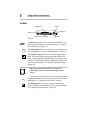
Buttons
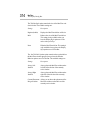
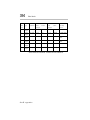
The following table summarizes the buttons on the Display dialog
box:
Button
Function
OK
Saves current settings and exits the dialog
box.
Cancel
Ignores current settings and exits the dialog
box.
Defaults
Returns to the default settings.
Help
Accesses on-line help.