1
Running Programs Described in the Guide
399
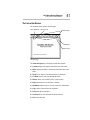
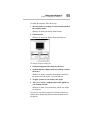
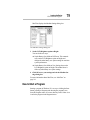
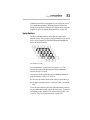
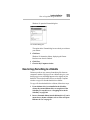
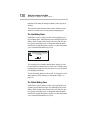
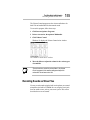
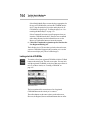
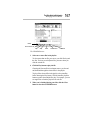
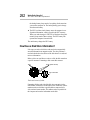
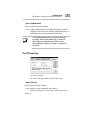
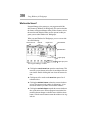
❖ Double-clicking a program icon starts the program repre-
sented by the icon.
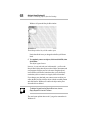
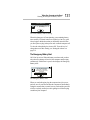
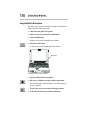
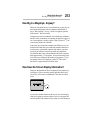
❖ Program groups contain one or more icons representing
related programs. For example, the Toshiba Utilities program
group contains Toshiba programs, such as MaxTime and
Hardware Setup.
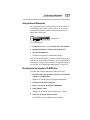
❖ Double-clicking a program group icon opens the program
group represented by the icon.
There is no close button in Windows for Workgroups.
Starting Programs
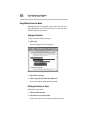
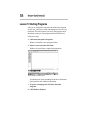
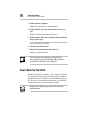
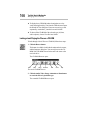
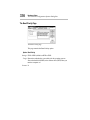
To start a program in Windows for Workgroups, double-click its
icon in Program Manager.
If the program doesn’t have a Program Manager icon, you have
the following two choices:
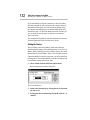
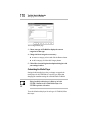
❖ In Program Manager, click File, then click Run. Type in the
name of your program file or click Browse to locate the program file, then click OK.
❖ In File Manager, double-click the icon for the program file. See
the next section for information about File Manager.
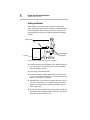
Working with Files
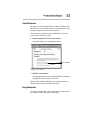
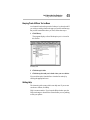
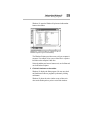
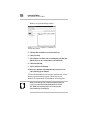
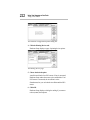
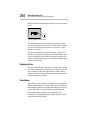
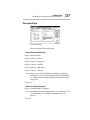
You use File Manager to copy and move files, and to perform
other file operations in Windows for Workgroups. To start File
Manager, double-click the File Manager icon in Program Manager’s Main program group.
For information about using File Manager, click Help, then click
Contents. Type in the subject you wish to explore, or browse
through the list of topics provided.
Running Programs Described in the Guide
This guide describes a number of programs that come with your
computer. Using these programs under Windows for Workgroups