1
GMWIN Manual
Reference: How to use folder
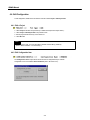
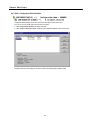
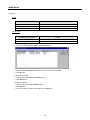
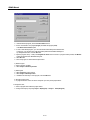
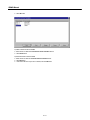
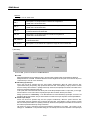
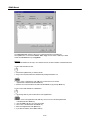
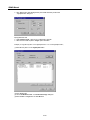
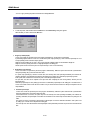
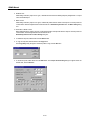
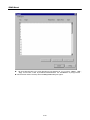
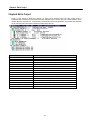
You can use the tree list to see briefly or detail tree list by clicking a mouse or pressing the right/left arrow key.
: Opened folder. If you click this folder, it changes into closed folder and lower branch is disappeared.
: Folder that can be opened. If you click this folder, it changes into opened folder and lower branch is appeared
: Unable to open folder (it describes an item).
: This folder means each item.
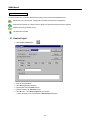
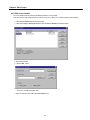
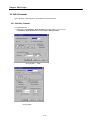
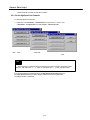
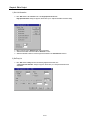
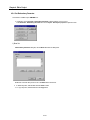
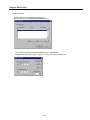
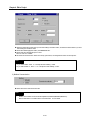
4.1. Create a Project
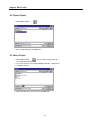
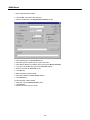
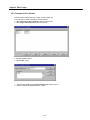
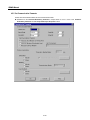
◆ Select Project - New Project (
).
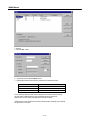
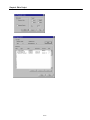
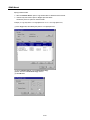
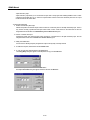
◆ Enter the Project File Name.
◆ Select Base Type option radio button.
◆ Input the writer name in the Writer text box.
◆ Input the comment in the Comments text box.
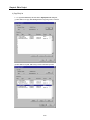
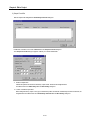
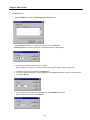
◆ Click OK button. Then Define Program dialog box appears.
( Refer to the section 5.1 for more information of Define Program dialog box )
4-2