1
User Manual
PROFINET / CAN
Document code: MN67606_ENG
Revision 1.002
Pagina 21 di 33
Industrial Electronic Devices
UPDATE DEVICE:
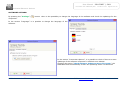
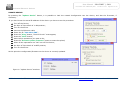
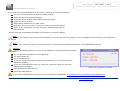
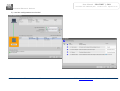
By pressing the “Update Device” button, it is possible to load the created Configuration into the device; and also the Firmware, if
necessary.
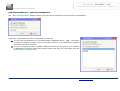
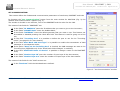
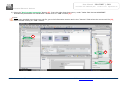
If you don’t know the actual IP address of the device you have to use this procedure:
Turn off the Device;
Put Dip1 of ‘Dip-Switch A’ in ON position;
Turn on the device
Connect the Ethernet cable;
Insert the IP “192.168.2.205”;
Press the “Ping” button, “Device Found!” must appear;
Press the “Next” button;
Select which operations you want to do;
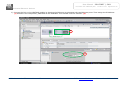
Press the “Execute update firmware” button to start the upload;
When all the operations are “OK” turn off the Device;
Put Dip1 of ‘Dip-Switch A’ at OFF position;
Turn on the device.
At this point the configuration/firmware on the device is correctly updated.
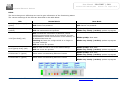
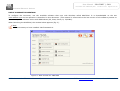
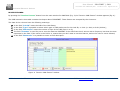
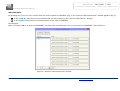
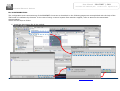
Figure 9: “Update device” windows
ADFweb.com Srl – IT31010 – Mareno – Treviso
INFO: www.adfweb.com
Phone +39.0438.30.91.31