1
OPERATION
User Guide to SGSonSITE
eCertification
Type:
Document
Reference:
P-OPS.08
Issue n°:
Issue date:
Author:
Approver:
Page n°:
3
29.05.2012
E. TOLETE
L. REFRAN
28 of 47
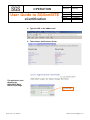
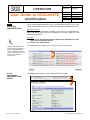
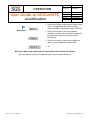
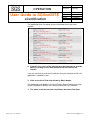
Click on your eCertificate number hyperlink to open up the details.
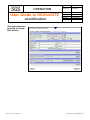
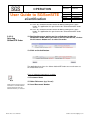
The application then opens up the eCertificate Details screen. This screen is
the same screen that opens up after submitting your Created Draft eCertificate
(see page 23).
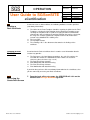
Notice that the Status of your eCertificate has changed. The eCertificate
status’ now may be:
Final Approved or
Final Rejected
The QuickSearch
Functionality
Of course, depending on the result of the investigation of your Approver.
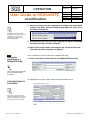
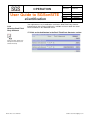
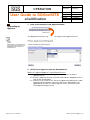
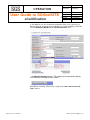
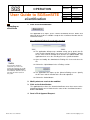
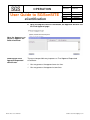
The Quick Search functionality for “eCertificate Reference” is another efficient
way to search/list an eCertificate. This is found on My SGSonSITE Staff
Homepage. User can be able to search an eCertificate number by entering
any of the details found on the “References” (eCertificate Detail Page).
This functionality is
only available in SGS
Agricultural Services
Backoffice.
Back office User’s Manual
email: CustomerCare@sgs.com
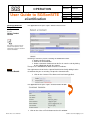
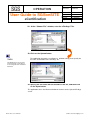
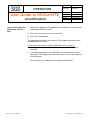
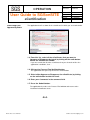
1. Enter a data on the e eCertificate Reference field. Click on the
Search button.