1
Movie Magic Budgeting
&KDSWHU
129
3XWWLQJLW$OO7RJHWKHU
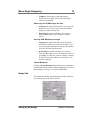
WORKING WITH MOVIE MAGIC BUDGETING
Creating a Budget from Scratch
When you are creating a budget from scratch, we recommend
that you work in the following order, creating most if not all of
each area before moving on to the next.
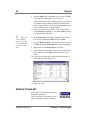
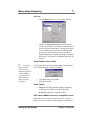
1. Begin by creating the broad Category Accounts in the
Topsheet.
O
Steps 4 and
5 can most easily
be done together.
Define your subgroups and apply
them as you create
your lines of detail.
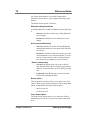
2. Create your Accounts in the Account level.
3. Set up your Units, Globals, Fringes.
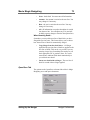
4. Set up your Subgroups.
5. Create your lines of Detail and apply Fringes and Subgroups as necessary. This step includes importing information from Scheduling, if desired.
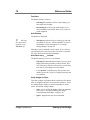
Using a Budget Form
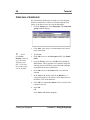
If you are creating a budget for one of the major studios, or
have created a budget form for your standard budget, creating
a new budget becomes much easier. You can use a predesigned budget form to begin, and you will not have to create
a chart of accounts, units, globals, fringes, subgroups, etc.
Putting it All Together