1
Reports
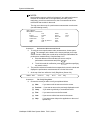
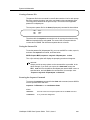
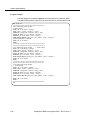
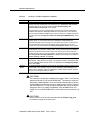
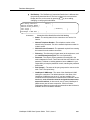
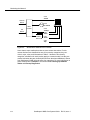
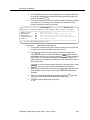
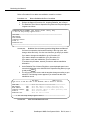
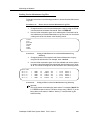
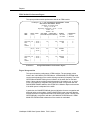
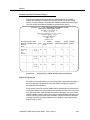
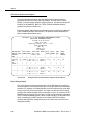
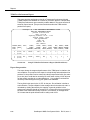
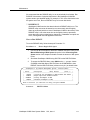
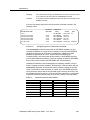
The report shows the usage and performance of the DKAP module in relation to
the node backplane. Use the report to help troubleshoot problems that are
detected in other reports, such as port utilization reports. For example, problems
with port utilization could be caused by an overworked (high usage or too much
traffic) module. This report is useful for monitoring the performance of newly
installed or suspect DKAP modules.
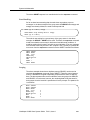
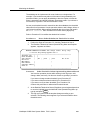
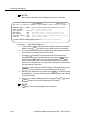
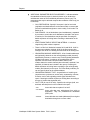
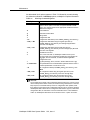
The % BUSY value can be high with no adverse affect on performance. The error
counts, however, do indicate problems between the module and the backplane.
Those problems could be too much traffic for the module, given its location and
the node it is in; or a malfunctioning module. FIFO INTRPT indicates that the
module is getting too busy. BUFFER NOT AVAIL indicates incoming traffic is
exceeding the capacity of the module.
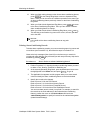
FRM and FRM-M2 Performance Reports
NOTE:
FRM and FRM-M2 performance reports can be generated by using
either the report or sched_report command.
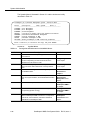
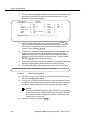
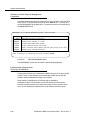
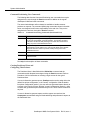
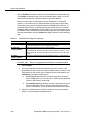
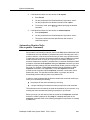
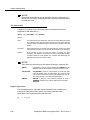
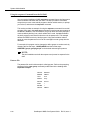
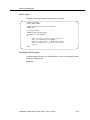
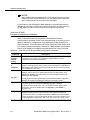
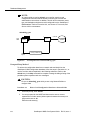
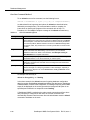
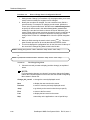
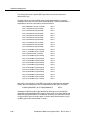
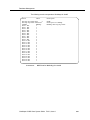
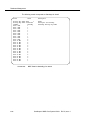
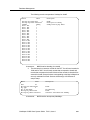
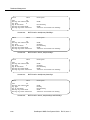
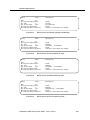
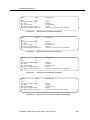
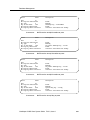
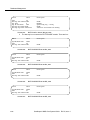
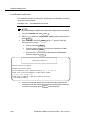
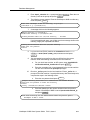
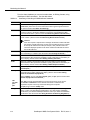
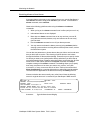
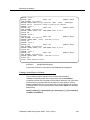
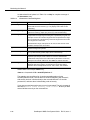
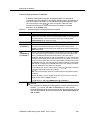
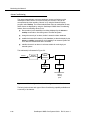
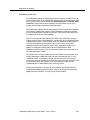
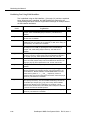
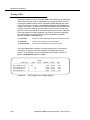
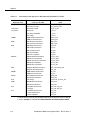
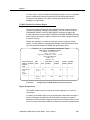
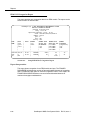
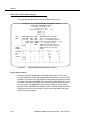
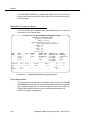
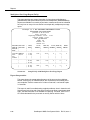
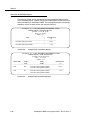
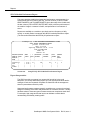
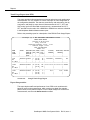
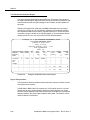
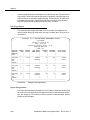
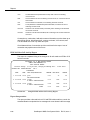
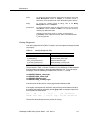
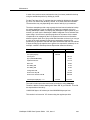
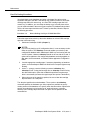
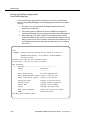
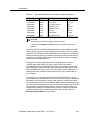
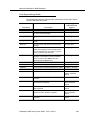
This set of ten reports provides performance data for frame relay modules FRM
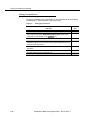
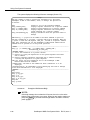
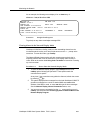
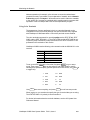
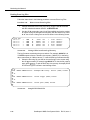
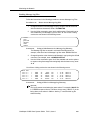
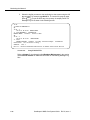
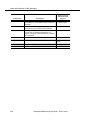
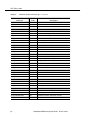
and FRM-M2. A listing of available reports is given in Table 6-1. Example of these
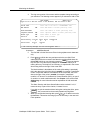
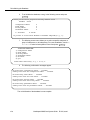
reports are presented in the following screens with the FRM reports shown first
followed by the FRM-M2 reports.
6-30
StarKeeper II NMS Core System Guide R10.0, Issue 1