1
U260 User Guide V1.0_en.book Page i Monday, October 4, 2010 12:11 PM
Contents
Chapter 1. Getting to know your
computer .......................................................1
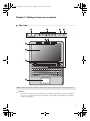
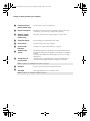
Top view .........................................................1
Left-side view ................................................3
Right-side view..............................................4
Bottom view ...................................................5
Appendix A. Lenovo limited warranty ..... 24
Warranty information ................................ 28
Chapter 2. Learning the basics ...................6
First use...........................................................6
Using AC adapter and battery ....................8
Using the touchpad.......................................9
Using the keyboard..................................... 10
Connecting external devices......................12
Special keys and buttons ............................ 13
System status indicators............................. 14
Securing your computer............................. 15
Trademarks ................................................ 37
Appendix B. Product specific Notices..... 31
Energy star information ............................. 31
Electronic emissions notices ...................... 33
Appendix C. Specifications ...................... 36
Index ........................................................... 38
Chapter 3. Connecting to the Internet ......16
Wired connection ........................................ 16
Wireless connection .................................... 17
Chapter 4. OneKey Rescue system ..........18
OneKey Rescue system .............................. 18
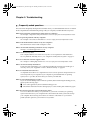
Chapter 5. Troubleshooting ......................19
Frequently asked questions ....................... 19
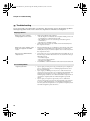
Troubleshooting .......................................... 20
i