1
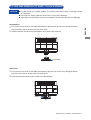
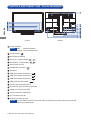
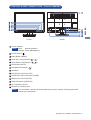
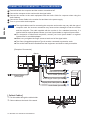
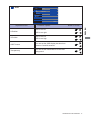
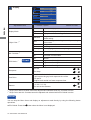
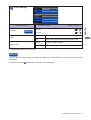
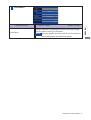
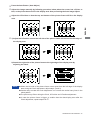
*1 *2 *3 *4 ENGLISH Adjust the Brightness when you are using the monitor in a dark room and feel the screen is too bright. See page 22 for SCREEN ADJUSTMENTS. Only Analog Input. For best results, use the Auto Adjust in conjunction with the adjustment pattern. See page 22 for SCREEN ADJUSTMENTS. *5 Contrast and Brightness adjustment disabled when i-Style Color is set to Game or Movie or Text or Scenery. *6 Brightness adjustment disabled when Adv. Contrast is active or when ECO Mode is active. Direct You can skip the Menu items and display an adjustment scale directly by using the following button operations. Auto Adjust: Press the Auto Button when the Menu is not displayed. 16 OPERATING THE MONITOR