1
Manually Configuring Network Settings
Table of Contents
sections
1
2
3
4
5
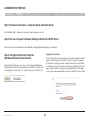
Manually Configuring Network Settings in Mac OS X
1. 6
7
8
9
10
(5)
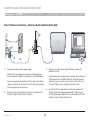
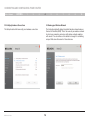
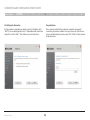
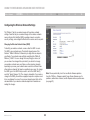
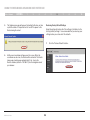
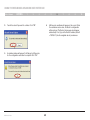
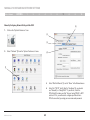
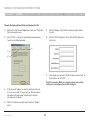
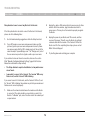
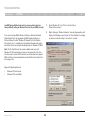
Click on the “System Preferences” icon.
(2)
(3)
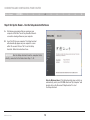
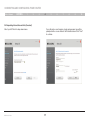
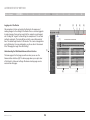
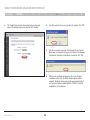
2. Select “Network” (1) from the “System Preferences” menu.
(4)
(1)
N Wireless Router
69
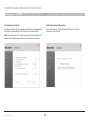
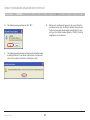
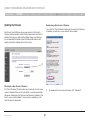
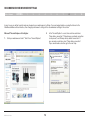
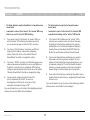
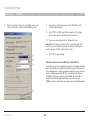
3. Select “Built-in Ethernet” (2) next to “Show” in the Network menu.
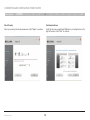
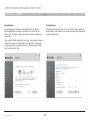
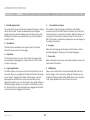
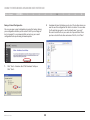
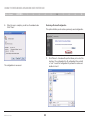
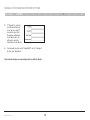
4. Select the “TCP/IP” tab (3). Next to “Configure” (4), you should
see “Manually” or “Using DHCP”. If you do not, check the
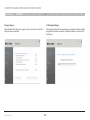
PPPoE tab (5) to make sure that “Connect using PPPoE” is NOT
selected. If it is, you will need to configure your Router for a
PPPoE connection type using your user name and password.