1
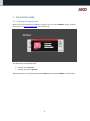
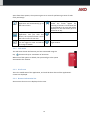
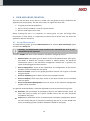
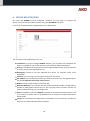
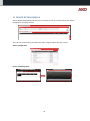
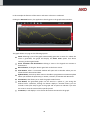
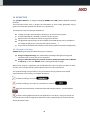
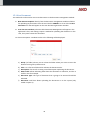
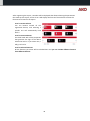
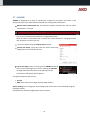
10 DEVICE LIST The device list displays the devices in a list format, and this screen divides this display depending on the device type. This division is carried out by tabs that are grouped in four groups, CAMControls, CAMRegis, AKODUO and CAMAlarm. The division is basically carried out due to the display format, as the important data for each group are different, therefore for: CAMControls the following is displayed: o Alarm icon, that represents if the device has alarms or not. o Device description. o Service it belongs to. o Facility it belongs to. o Set Point Value o COOL relay status o DEFROST relay status (only for technical display) o FAN relay status (only for technical display) o Probe 1 value o Probe 2 value (only for technical display) o Probe 3 value (only for technical display) CAMRegis o Alarm icon, that represents if the device has alarms or not. o Device description. o Service it belongs to. o Facility it belongs to. o Probe 1 to 10 value (depending on the model, it will display more or less probes). AKODUO o Alarm icon, that represents if the device has alarms or not. o Device description. o Service it belongs to. o Facility it belongs to. o Probe 1 to 5. CAMAlarm o Alarm icon, that represents if the device has alarms or not. o Device description. o Service it belongs to. o Facility it belongs to. o Input 1 to 4. 21