1
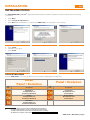
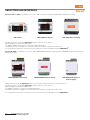
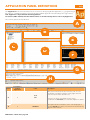
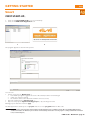
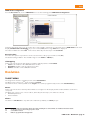
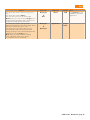
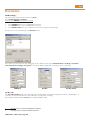
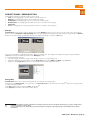
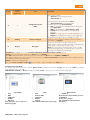
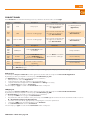
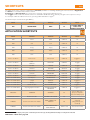
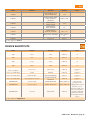
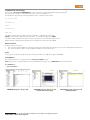
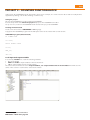
Using the Filter option you can filter the display of the variables/parameters
•
•
•
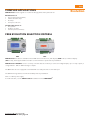
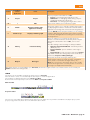
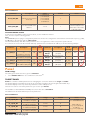
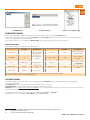
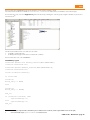
The Format column shows the default U.M. of the parameter. The user can manually associate an Enum
Similarly the Min Max columns show the default range of the parameter, which can be modified by the user[31]
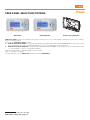
The Text align column aligns the string to the left, right or centre.
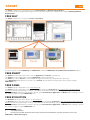
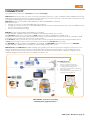
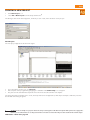
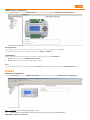
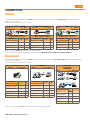
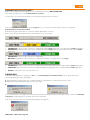
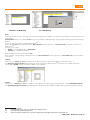
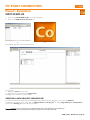
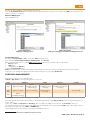
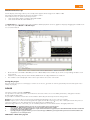
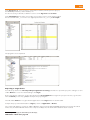
After creating the Set from the Resources tab, open the Project tab
Previously a page was created that you want to replicate using Sets
(for example in order to manage the analogue outputs BIOS_CFG_AO)
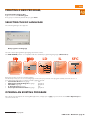
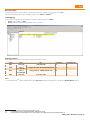
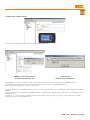
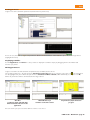
Selecting the appropriate field, you need to associate the corresponding Set to the field Assoc_var using the prefix #, and with
the suffix (0) to indicate the first element of the array. Note: The field must be of the Edit type
(for example in order to manage the analogue outputs #SetParValCfgA0(0))
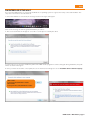
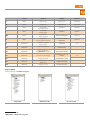
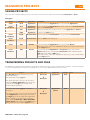
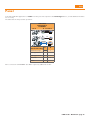
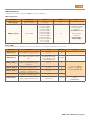
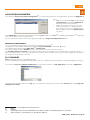
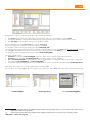
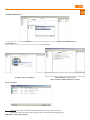
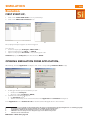
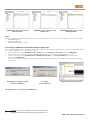
The three examples show
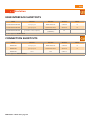
• definition of a Variant Set SetParValCfgA0 of size 5 to define array of output configuration parameters
• definition of an enumerative AnaOutTypeEnum of 3 values (voltage, current, ON/OFF)
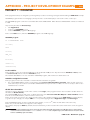
• use of #SetParValCfgA0(0) on a page (which results in the production of 5 pages that differ in terms of the configuration
of parameter SetParValCfgA0(1),..., SetParValCfgA0(5)[32]
• note that the Edit field “IO Modulated” is associated by means of the Format field to the Enumerative AnaOutTypeEnum
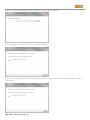
Note that in the example there is another Edit field associated to a Set.
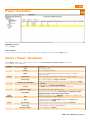
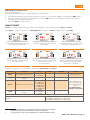
It is possible to use multiple Sets on the same page. You are advised to define Sets of the same size if used on the same page
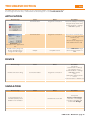
SetParValCfgA0
AnaOutTypeEnum
use of #SetParValCfgA0()
31e.g. for a parameter that defines a COOL, HEAT and AUTO machine mode it is possible to hide one or more values at UI level even if at PLC (or
application level) there are 3 usage modes
32
note that the array starts from the value (0) whereas when defining Sets the first value is 1, therefore Set(1) corresponds to #Set(0)
FREE Studio - Quick Start page 64