1
Selecting the Driver to Be Installed
After selecting the connection method between the machine and a computer, select the driver to be
installed.
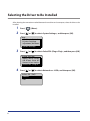
1
2
3
4
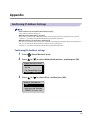
Press [
Press [
] (Menu).
] or [
] to select <System Settings>, and then press [OK].
Menu
USB Direct Print Se...
Printer Settings
Adjustment/Maintena...
System Settings
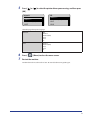
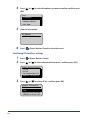
Press [
] or [
] to select <Select PDL (Plug-n-Play)>, and then press [OK].
System Settings
Memory Media Storag...
USB Direct Print On...
Secure Print Settin...
Select PDL (Plug-n-...
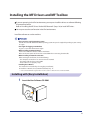
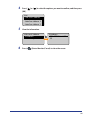
Press [
] or [
] to select <Network> or <USB>, and then press [OK].
Select PDL (PnP)
Network
USB
2