1
Alabama Trauma Registry (ATR) Web Portal
DI Trauma Registry Module User Manual
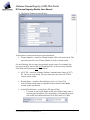
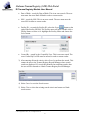
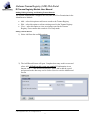
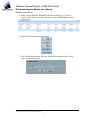
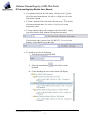
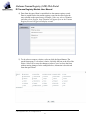
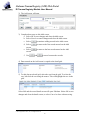
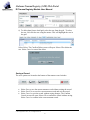
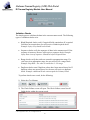
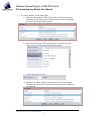
3) To correct the data, follow these steps:
a. Select the failed check on the Check Failure screen. To select the
failed check, left-click the row using the mouse. This will highlight
the row on the Check Failure screen.
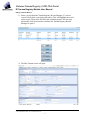
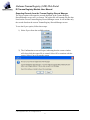
b. Select the Goto button. This will return the user to the incorrect
field, so the user may correct the data entry errors.
c. Correct the data entry error.
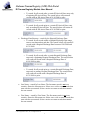
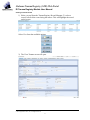
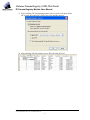
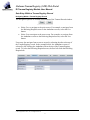
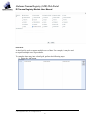
d. Return to the Check Failure screen and select the Recheck button.
The check is removed once the data correction meets the validation
requirements.
© 2010 Digital Innovation, Inc., All Rights Reserved
29