1
Sac State Risk Management Services
Users Guide
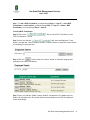
Log on to the system
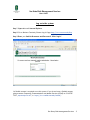
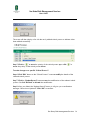
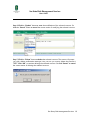
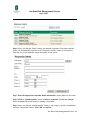
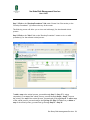
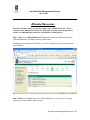
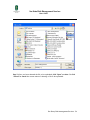
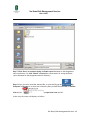
Step 1. Open Microsoft Internet Explorer.
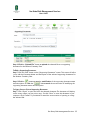
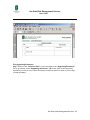
Step 2. Go to Business Continuity Planner Log-In Page: http://www.rms.csus.edu/bcp
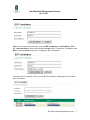
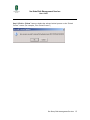
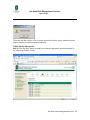
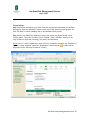
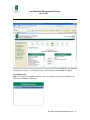
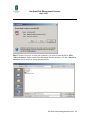
Step 3. Enter your SacLink Username and Password*. Click “Login”.
*A Saclink account is required to use this system. If you do not have a Saclink account,
please contact Computing, Communications and Media Services (CCMS) at 916-2787337, helpdesk@csus.edu., or https://www.saclink.csus.edu/saclink/.
Sac State, Risk Management Services 3