1
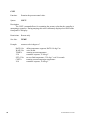
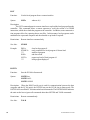
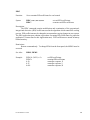
ON
Function:
Turn on PC100
Syntax:
ON
Description:
The ON command enables power and function of the controller. When the controller
is plugged in to an appropriate line voltage, the controller is powered on and can accept a
power on command from either the front panel by depressing the power switch or from a
remote interface by using the ON command.
Restrictions:
Remote interface command only
See Also:
OFF
Example:
ON«
Turn on PC100
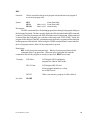
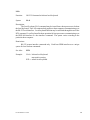
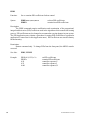
OUT
Function:
Output data to the BIT I/O port or the Analog port.
Syntax:
OUT<device number>:<address>,<data>
Bit I/O = device 0, Analog port = device 3
Description:
The OUT command permits data to be transferred to an output device such as the Bit
I/O or digital to analog convertor port (also referred to as Analog port in this manual). For
a complete description on operating with an I/O device, consult the Input/Output Section 8.
60
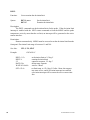
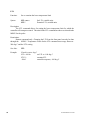
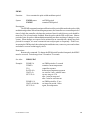
Restrictions:
None
See Also:
IN
Example:
OUT0:5,1«
OUT3:255«
set Bit I/O bit 5
output 255 to D/A port (0=0V, 255=5V)
PC100 Manual ver 0709