1
Chapter 7 - Satellite Tracking
Next Passes
Next Passes
el
Pr
im
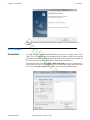
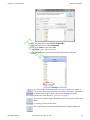
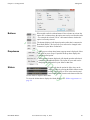
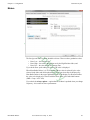
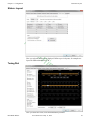
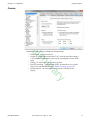
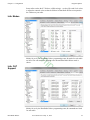
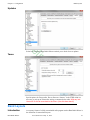
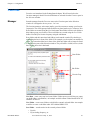
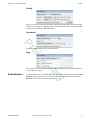
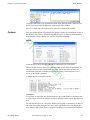
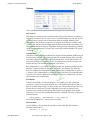
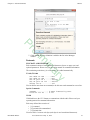
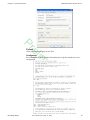
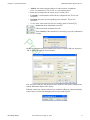
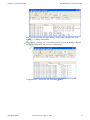
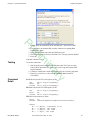
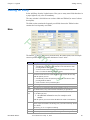
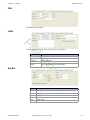
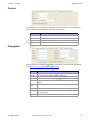
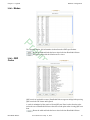
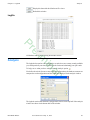
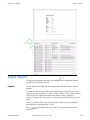
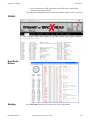
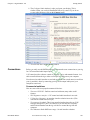
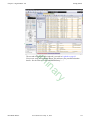
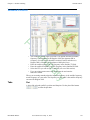
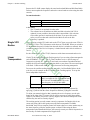
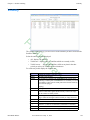
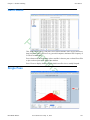
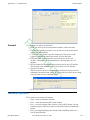
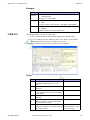
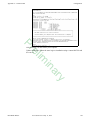
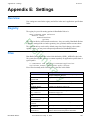
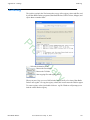
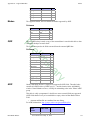
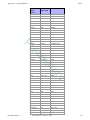
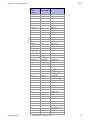
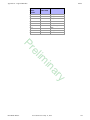
This window shows up to 1,000 passes for a selected satellite. Note: do not select more
than 100 passes unless you have a very powerful computer, minimum CPU frequency of
2 GHz is recommended.
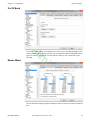
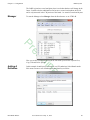
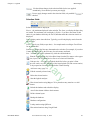
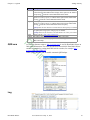
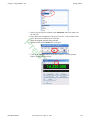
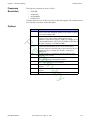
Press Alarm to add an audio alarm when a satellite is about to pass overhead. Press Plot
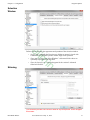
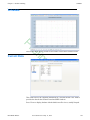
to plot a selected pass in the Single Pass window.
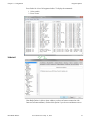
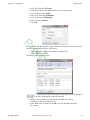
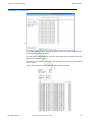
Press Viewer to display the data with the default text file viewer, usually Notepad.
y
ar
in
Single Pass
Ham Radio Deluxe
User Guide V5.21- May 11, 2012
125