1
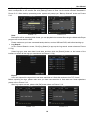
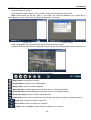
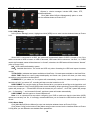
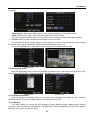
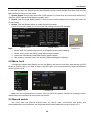
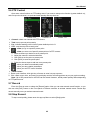
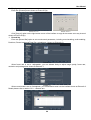
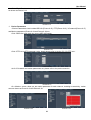
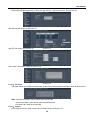
User Manual exceptions, for example, SMTP port of G-mail server should be 465. Picture 5-26 Picture 5-27 SMTP server: indicates server address you use. Sender email: indicates sender’s email address. The email address should be consistent with the server you use. That is to say, when you use email address – aaa@gmail.com, the according server should be smtp.gmail.com. Receiver address: indicates receiver’s email address. The email address is used to receive image transmitted from motion detection alarm of DVR. Please clear the images you have received as soon as possible to avoid overloading your email account. Email Test: Click the button to check your SMTP port, server, sender and receiver address. Once the parameters are wrong, system will return misinformation back to inform user modified. Before you perform <Email Test> function, please make sure your email server support SMTP and SSL service. Note: Sender email is required to enable IMAP/POP3/SMTP function (details please refer to Picture 5-28 & Picture 5-29 (a & b), which show IMAP/POP3/SMTP Enable setting function for Gmail, QQ and SINA mail). Login your GMAIL ID and turn to Settings page. Find out Forwarding and POP/IMAP option and then tick-select [enable IMAP] option. Picture 5-28 Picture 5-29(a) 20 Picture 5-29(b)