1
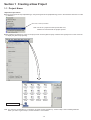
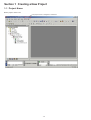
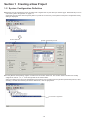
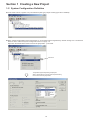
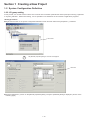
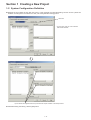
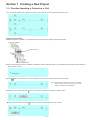
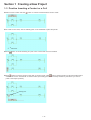
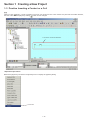
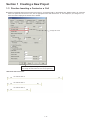
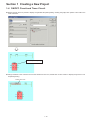
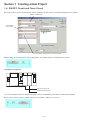
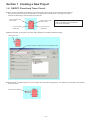
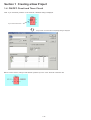
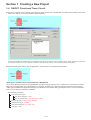
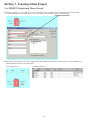
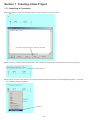
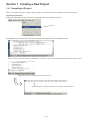
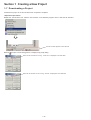
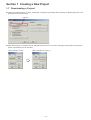
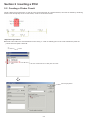
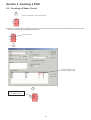
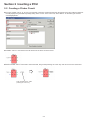
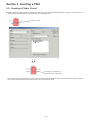
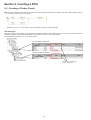
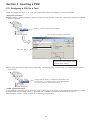
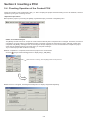
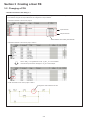
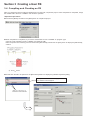
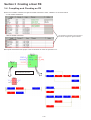
Section 1 Creating a New Project 1-2 System Configuration Definition First, change the target CPU. A high-performance CPU of 117K steps (type: NP1PS-117) is registered by default. In this example, change it to a high-performance CPU of 32K steps (type: NP1PS-32). Right-click the CPU and then execute the [Properties...] command. The [Module properties] dialog is displayed. Click here. Select “NP1PS-32 High-performance CPU32” from the [Outline specification] list box on the [Module properties] dialog. After selecting the CPU, click the [OK] button. The target CPU is changed to NP1PS-32. 1-7