1
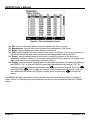
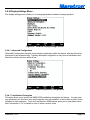
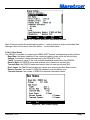
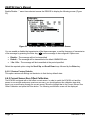
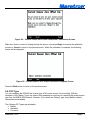
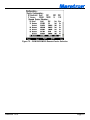
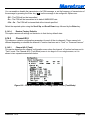
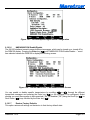
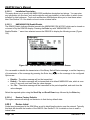
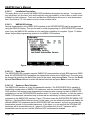
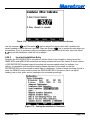
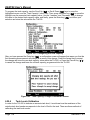
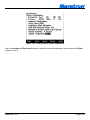
DSM150 User’s Manual installed, for later reference. Tools such as Maretron N2KAnalyzer allow you to view these values later. See section 3.3.4 for details on how to enter a textual value. 6.5.1.3 NMEA2000 PGN Enable/Disable The CLM100 Current Loop Monitor can transmit the NMEA2000 PGNs #65286, 127751, 130313, 130314, 130816, and 130840 which can be turned on or turned off by the DSM150 display. Only the PGN's which correspond to the configuration of the channels will be shown in this list. Pressing the Enter key with “NMEA2000 PGN Enable/Disable…” menu item selected causes the DSM150 to display the following screen (Figure 53). Figure 49 – CLM100 NMEA 2000® PGN Enable/Disable Screen You can enable or disable the transmission of the these messages, or set the frequency of transmission of the message by pressing the Enter key ( ) on the message to be configured. Options are: Disable – The message will not be transmitted Default – The message will be transmitted at its default NMEA2000 rate. 0.1s...25.0s – The message will be transmitted at the period specified. Select the required option using the Scroll Up and Scroll Down keys followed by the Enter key. 6.5.1.4 Restore Factory Defaults This option restores all settings on the device to their factory default state. 6.5.2 Advanced Configuration Advanced Configuration changes some complex parameters within the device, and should only be performed by an advanced user. Typically advanced configuration is only done at installation and should not need to be done while at sea. 6.5.3 Channel Configuration Individual channels may be configured by using the Scroll Up and Scroll Down buttons to highlight the channel, and then pressing the Enter key. The following screen will be displayed. Page 66 Revision 1.6.2