1
OS Check
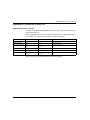
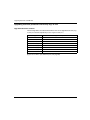
Description of the Device Properties Screen
Device Properties
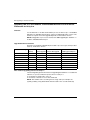
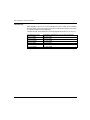
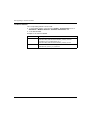
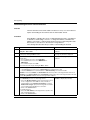
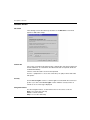
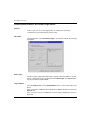
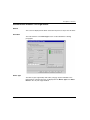
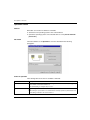
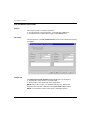
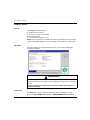
The Device Properties dialog box, which is accessible by pressing the Properties
button in the Devices field of the Protocol Target window, gives access to
information concerning the device selected.
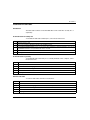
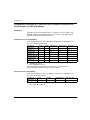
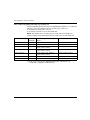
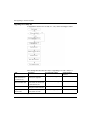
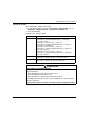
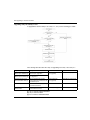
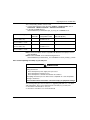
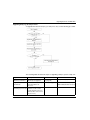
Display of the Device Properties dialog box:
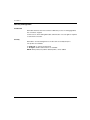
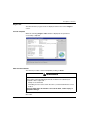
NOTE: In order to identify at a glance a safety processor (140 CPU 6*1 60S), the
background of the description field is red.
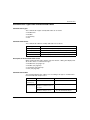
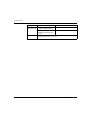
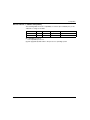
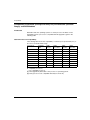
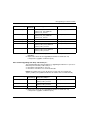
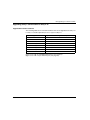
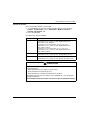
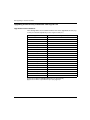
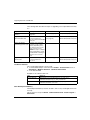
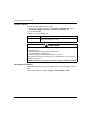
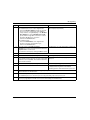
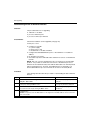
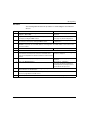
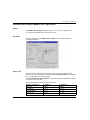
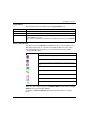
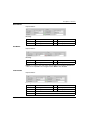
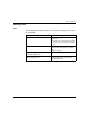
Elements of the Device Properties dialog box:
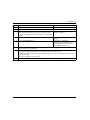
Element
Description
Exemple
Project name
Name of the project loaded into the controller
Station
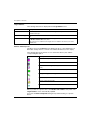
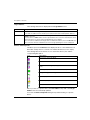
PLC state
Status of the corresponding PLC (RUNNING, STOPPED,
INIT, NOT CONFIGURED, WAITING, PAUSED, ERROR)
RUNNING
Device Name
Device product name
TSX P57 304
Hardware ID
32-bit number used to uniquely identify a device type in a
specific OS
0008 0101
OS version
Number used to uniquely identify the OS delivered
1.00
Description
Device description
Premium TSX P57 304 OS V1.0
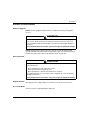
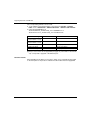
Use the Close button to return to the Protocol Target screen.
35006156 07/2011
69