1
www.tissuegnostics.com
HistoQuest 3.0 User Manual
Markers (like Hematoxylin stain, antibody stain) are used for the identification of defined cell types, tissue types,
cellular or tissue compartments, cellular functions, disease status, etc. In HistoQuest, markers are represented by
a name and a set of parameters, depending on the Color Separation method and the Segmentation Method.
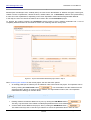
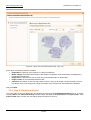
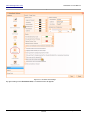
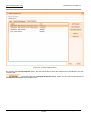
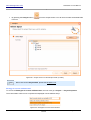
In this step, the user can choose the markers to be used in the current HistoQuest project.
To analyze the images provided, the HistoQuest product needs to have markers parameters set. A set of
completely defined markers can be saved for further use, obtaining what we call a profile.
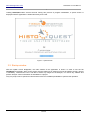
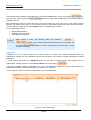
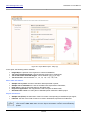
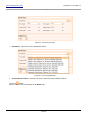
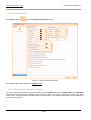
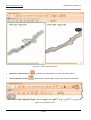
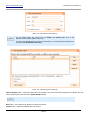
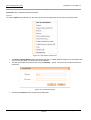
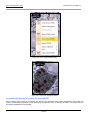
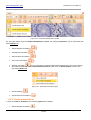
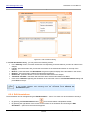
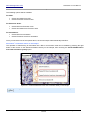
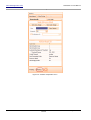
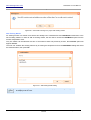
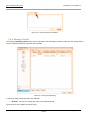
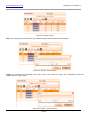
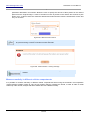
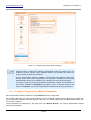
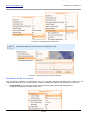
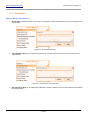
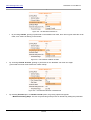
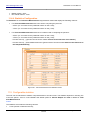
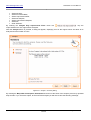
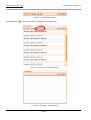
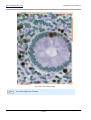
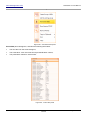
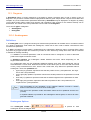
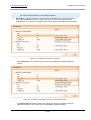
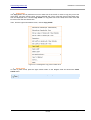
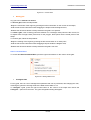
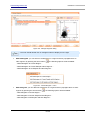
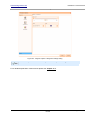
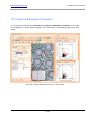
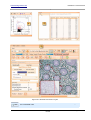
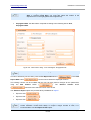
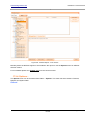
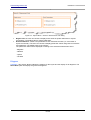
Figure 37 - Import TissueFAXS/HistoFAXS project wizard - Step 4
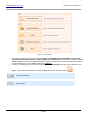
When choosing the markers for the current project, the user has more options:
•
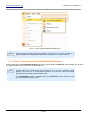
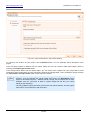
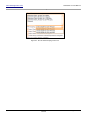
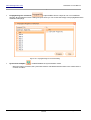
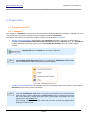
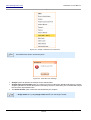
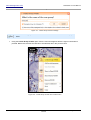
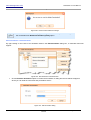
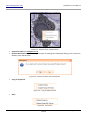
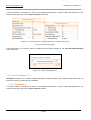
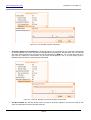
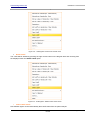
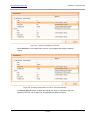
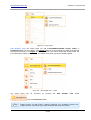
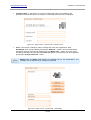
An existing profile (set of markers) can be loaded in order to be used in this project. This operation can be
done by clicking the Load Profile button (
). You will be able to see the markers from the
selected profile in the list of currently chosen markers, the segmentation method, the color separation
method and the strategy for events in ROIs.
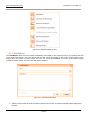
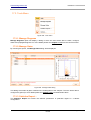
- You can also use a profile from an existing project.
).
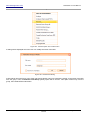
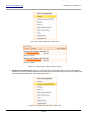
•
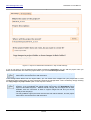
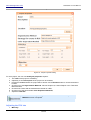
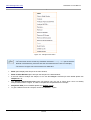
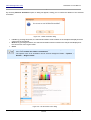
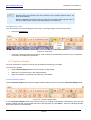
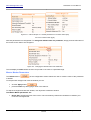
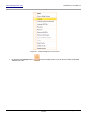
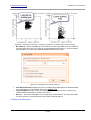
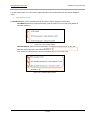
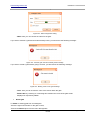
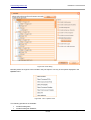
Existing markers can also be added one by one, by clicking the Add Marker button (
This way, only the name of the marker is loaded (the parameters have to be defined later).
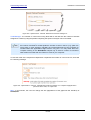
•
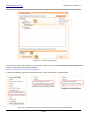
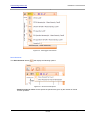
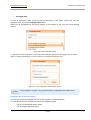
A new marker can be added to the project, also by clicking the Add Marker button (
).
This marker will only have a name and you will have to choose its parameters later in order to use it.
Internal
Page 41 of 351