1
Contents
2
Contents
Safety information.....................................................................................10
Learning about the printer.........................................................................12
Finding information about the printer....................................................................................................12
Selecting a location for the printer..........................................................................................................13
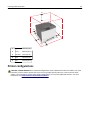
Printer configurations.............................................................................................................................14
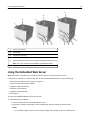
Using the Embedded Web Server...........................................................................................................15
Understanding the printer control panel....................................................17
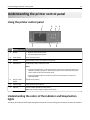
Using the printer control panel...............................................................................................................17
Understanding the colors of the indicator and Sleep button lights........................................................17
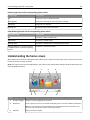
Understanding the home screen.............................................................................................................18
Using the touch-screen buttons..............................................................................................................19
Setting up and using the home screen applications....................................21
Accessing the Embedded Web Server.....................................................................................................21
Customizing the home screen.................................................................................................................21
Activating the home screen applications................................................................................................22
Finding information about the home screen applications................................................................................22
Using Background and Idle Screen ...................................................................................................................22
Setting up Forms and Favorites ........................................................................................................................22
Understanding Eco‑Settings .............................................................................................................................23
Setting up Remote Operator Panel...................................................................................................................23
Exporting and importing a configuration................................................................................................24
Additional printer setup.............................................................................25
Installing internal options........................................................................................................................25
Available internal options .................................................................................................................................25
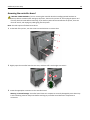
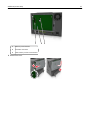
Accessing the controller board .........................................................................................................................26
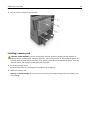
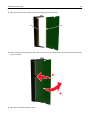
Installing a memory card ..................................................................................................................................28
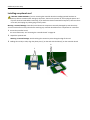
Installing an optional card ................................................................................................................................30
Installing a printer hard disk .............................................................................................................................32
Removing a printer hard disk............................................................................................................................35
Installing hardware options.....................................................................................................................36
Order of installation..........................................................................................................................................36
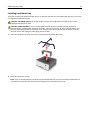
Installing an optional tray .................................................................................................................................37
Setting up the printer software...............................................................................................................39