1
Test and Acquire Menu commands cannot be used until correct COM port is set and Reader is
detected.
If reader is detected, the magazine is automatically ejected. This time user has to load the cards in
magazine, insert magazine into the reader and close the door.
Caution: User must not pull or push the magazine while Reader is On. This might cause
mechanical damages.
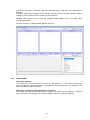
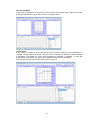
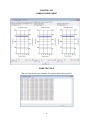
The main screen of TL Badge Reader appears as below:
6.2.1.
CONFIG MENU
Setting the COM Port
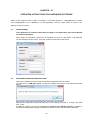
To set COM port, select Config menu and click on “Set COM port‟ . In the window that pops up,
enter the COM port number and click Ok. The application is terminated for the new settings to take
effect. Now Run the application again.
Setting the Card details (Semi-Auto mode of operation)
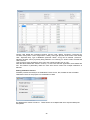
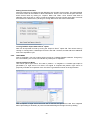
User needs to provide the card details for the cards to be loaded into the magazine. To do this,
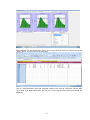
user must click on “Config Menu and “Set Card Details. The below window will appear
21