1
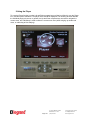
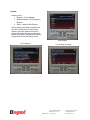
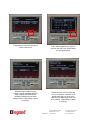
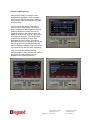
To choose the player function action
type, use the Left and Right compass
keys until ‘Player Function’ shows in
the highlight box and press softkey 3
(Next).
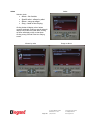
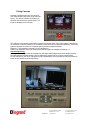
Next, choose the song which will begin
to play when this event triggers. For
instructions on how to navigate
through all Unity Player menus, refer
to the Unity Player section.
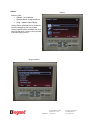
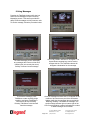
Pressing Talk/Select at the lowest
level of a Player menu, in this case,
will select the song for the event. The
event will start the song playing on
Source i in whichever play mode the
Unity Player is currently in.
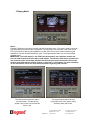
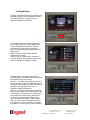
The song name will now appear to the
right of the Player Function action type
designator. NOTE: After the initial
song plays, all songs continue to play
in list order.
301 Fulling Mill Road, Suite G
Page 118
©Copyright 2010 by Legrand,
Middletown, PA 17057
Inc All Rights Reserved.
(800)-321-2343
www.onqlegrand.com