1
Troubleshooting and routine maintenance
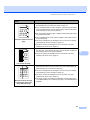
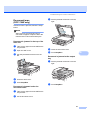
Document jams
(DCP-7040 only)
c
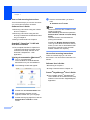
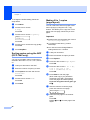
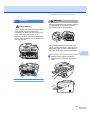
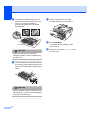
Pull the jammed document out to the
right.
d
e
Close the document cover.
B
If the document is jammed, follow the steps
below.
Note
After removing a jammed document,
check that no paper scraps are left in the
machine that could cause another jam.
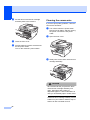
Document is jammed in the top of the
ADF unit
a
Take out any paper from the ADF that is
not jammed.
b
c
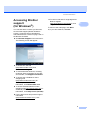
Open the ADF cover.
d
e
B
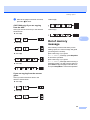
Pull the jammed document out to the
left.
B
Press Stop/Exit.
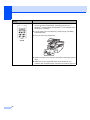
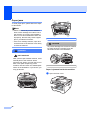
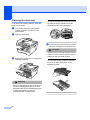
Document is jammed at the output
tray
a
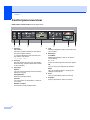
Pull the jammed document out to the
right.
b
Press Stop/Exit.
B
Close the ADF cover.
Press Stop/Exit.
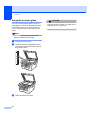
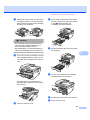
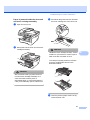
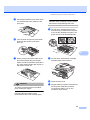
Document is jammed under the
document cover
a
Take out any paper from the ADF that is
not jammed.
b
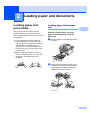
Lift the document cover.
B
57