1
IES-1005-67 User’s Manual
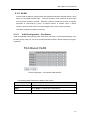
5.1.3 Port Configuration
5.1.3.1 Port Control
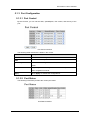
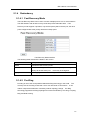
By this function, you can set the state, speed/duplex, flow control, and security of the
port.
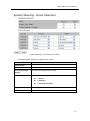
Port Control interface
The following table describes the labels in this screen.
Label
Description
Port NO.
Port number for setting.
State
Enable/Disable the port.
Speed/Duplex
You can set Auto-negotiation, 100 full,100 half,10 full,10 half
mode.
Flow Control
Support symmetric and asymmetric mode to avoid packet loss
when congestion occurred.
Apply
Click “Apply” to activate the configurations.
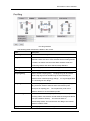
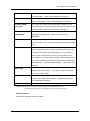
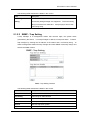
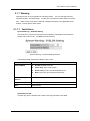
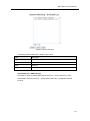
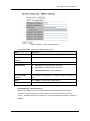
5.1.3.2 Port Status
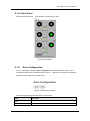
The following information provides the current port status.
Port Status interface
20