1
2. DESCRIPTION
2
DESCRIPTION
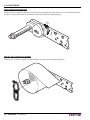
2.1 Unpacking the device
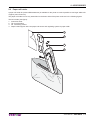
Remove the device from its carton being careful not to damage the packing material so that it may be re-used if the
printer is to be transported in the future.
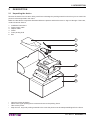
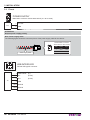
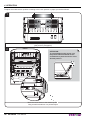
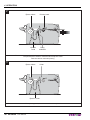
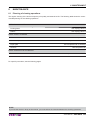
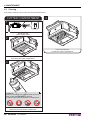
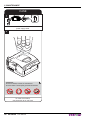
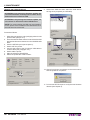
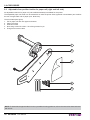
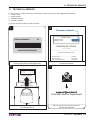
Make sure that all the components illustrated below are present and that there are no signs of damage. If there are,
contact Customer Service.
1.
2.
3.
4.
5.
6.
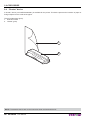
Installation instructions
Power supply cable
Adapter cable
Printer
Foam packing shell
Box
1
2
3
4
5
6
•
•
•
•
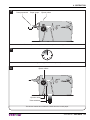
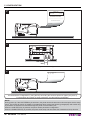
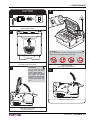
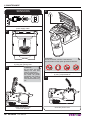
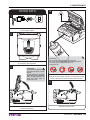
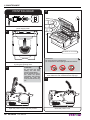
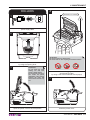
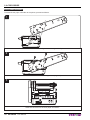
Open the printer packaging
Remove the upper packing frame content and remove the packing frame.
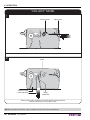
Take out the printer.
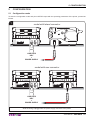
Keep the box, trays and packing materials in the event the printer must be transported/shipped in the future.
User Manual
VKP80III 9