1
21.3
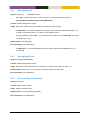
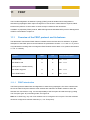
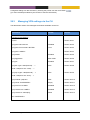
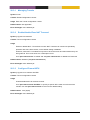
Managing OSPF via the CLI
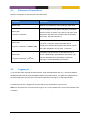
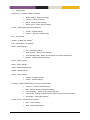
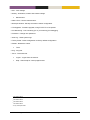
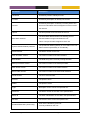
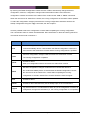
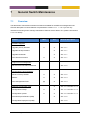
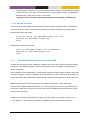
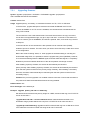
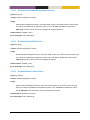
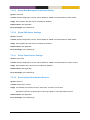
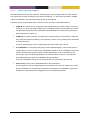
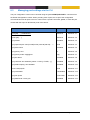
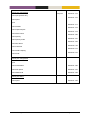
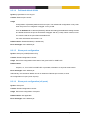
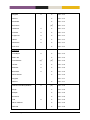
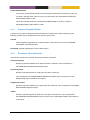
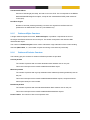
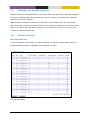
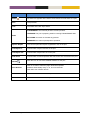
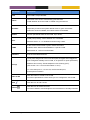
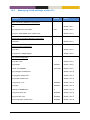
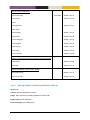
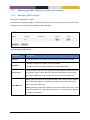
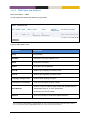
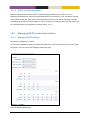
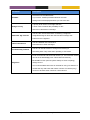
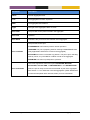
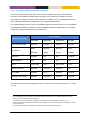
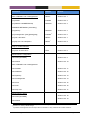
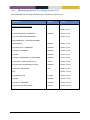
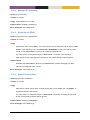
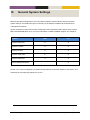
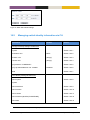
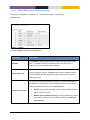
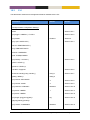
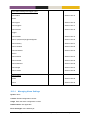
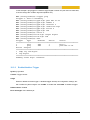
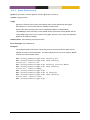
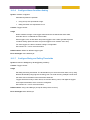
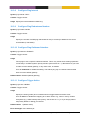
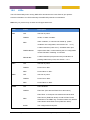
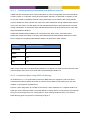
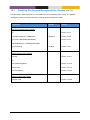
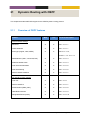
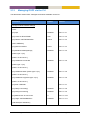
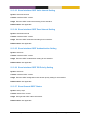
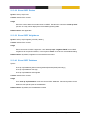
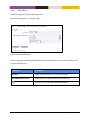
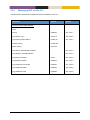
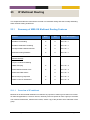
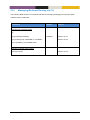
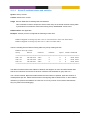
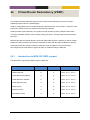
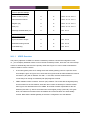
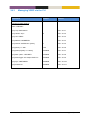
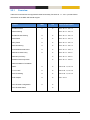
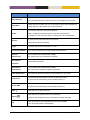
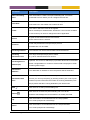
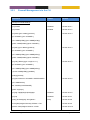
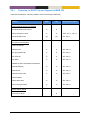
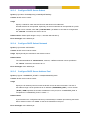
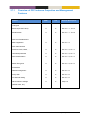
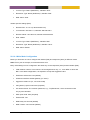
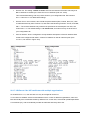
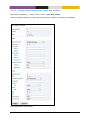
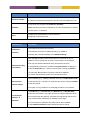
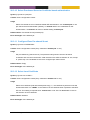
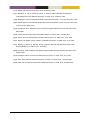
The table below shows OSPF management features available via the CLI.
Command
Default
Section
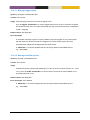
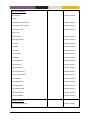
[no] ospf
Disabled
Sec. 21.3.1
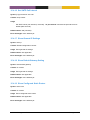
[no] router-id <ROUTERID>
Auto
Sec. 21.3.2
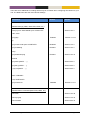
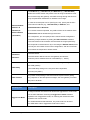
[no] network <NETWORK/LEN>
area 0
Sec. 21.3.3
[no] passive-interface
Active
Sec. 21.3.4
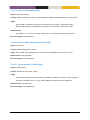
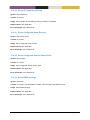
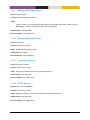
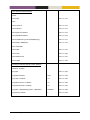
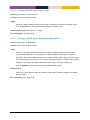
[no] distribute-default [always]
Disabled
Sec. 21.3.5
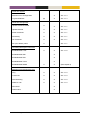
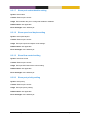
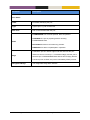
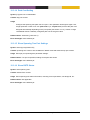
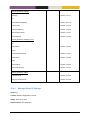
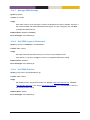
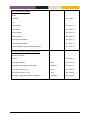
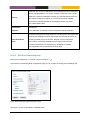
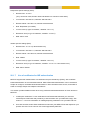
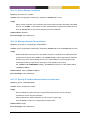
Disabled
Sec. 21.3.6
Disabled
Sec. 21.3.6
Disabled
Sec. 21.3.6
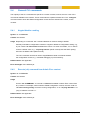
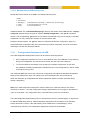
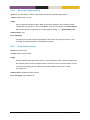
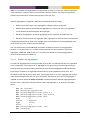
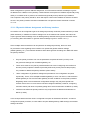
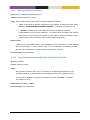
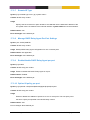
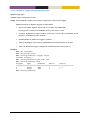
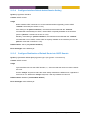
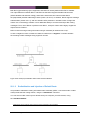
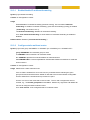
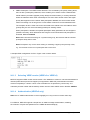
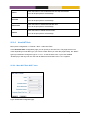
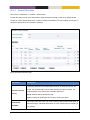
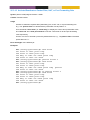
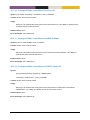
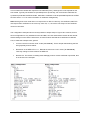
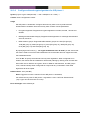
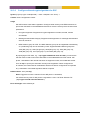
Configure General OSPF Settings
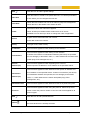
router
[area <AREAID>]
[metric-type <1|2>]
[metric <0-16777214>]
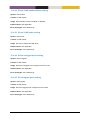
[no] redistribute connected
[metric-type <1|2>]
[metric <0-16777214>]
[no] redistribute static [metric-type <1|2>]
[metric <0-16777214>]
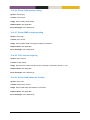
[no] redistribute rip [metric-type <1|2>]
[metric <0-16777214>]
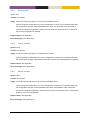
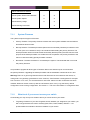
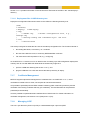
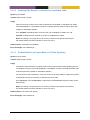
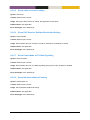
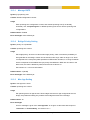
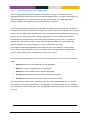
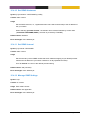
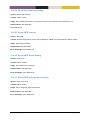
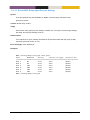
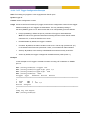
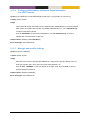
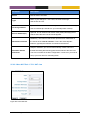
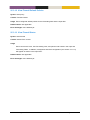
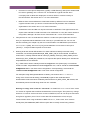
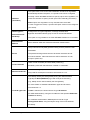
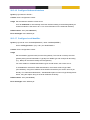
[no] area <AREAID>
Sec. 21.3.7
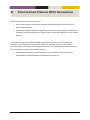
[no] stub [no-summary]
Disabled
Sec. 21.3.8
[no] nssa [no-summary]
Disabled
Sec. 21.3.9
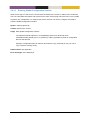
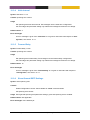
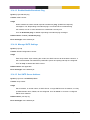
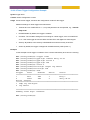
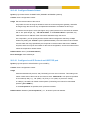
[no] default-cost <0-16777215>
0
Sec. 21.3.10
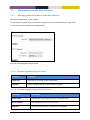
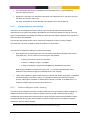
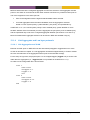
[no] range <NETWORK/LEN>
advertise
Sec. 21.3.11
[<advertise|not-advertise>]
MES-OS Management Guide
Dynamic Routing with OSPF • 365