1
COMMAND-LINE COMMANDS
317
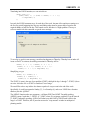
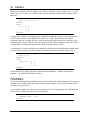
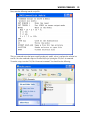
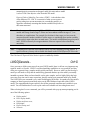
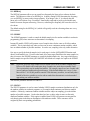
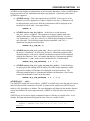
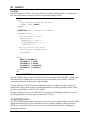
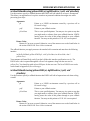
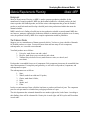
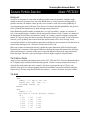
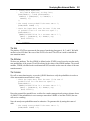
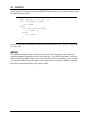
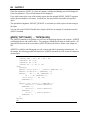
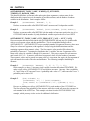
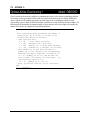
To capture the solution report generated by the GO command in a file, use the DIVERT command
before the GO command.
To set various parameters pertaining to the operation of LINGO’s solver, see the SET command later
in this chapter.
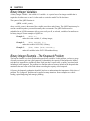
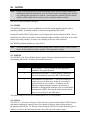
NONZ
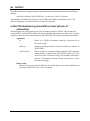
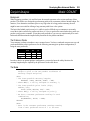
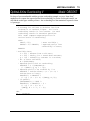
The NONZ, or NONZEROS, command displays an abbreviated version of the solution for the current
model. NONZ is identical to the SOLUTION command with the exception that NONZ displays
information only about nonzero variables and binding rows (i.e., the slack or surplus is 0).
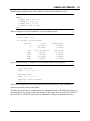
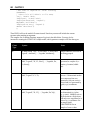
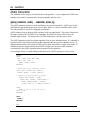
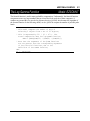
The syntax of the NONZ command is:
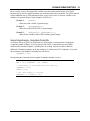
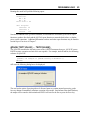
NONZ ['header_text'] [var_or_row_names]
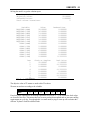
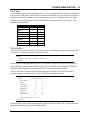
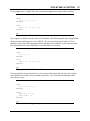
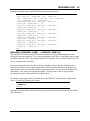
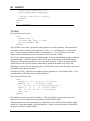
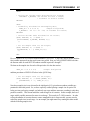
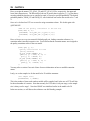
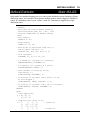
For a standard NONZ solution report, omit the two optional arguments and enter the NONZ command
by itself. LINGO will print primal and dual values for all nonzero variables and binding rows. LINGO
will label all the columns in the report.
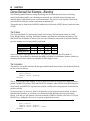
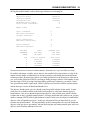
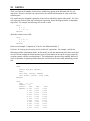
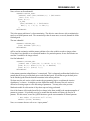
The first optional field, header_text, will be displayed as a title header in the solution report. If the
header_text argument is included, LINGO prints primal values only, omitting all labels in the report.
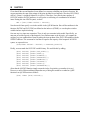
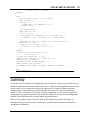
The second optional field, var_or_row_names, is a variable and/or row name list that, if included, will
limit the report to the given variables or rows. The standard wild card characters (* and %) are
supported in the variable and row names.
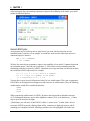
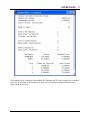
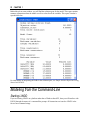
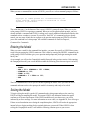
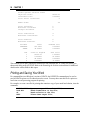
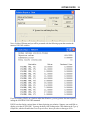
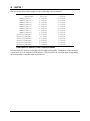
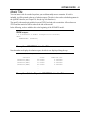
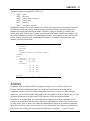
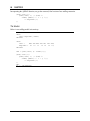
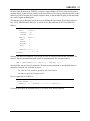
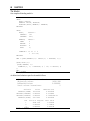
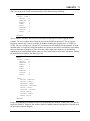
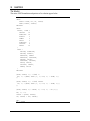
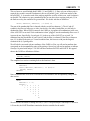
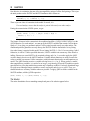
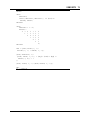
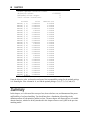
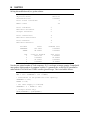
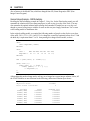
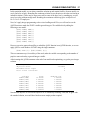
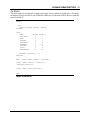
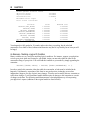
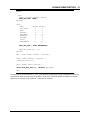
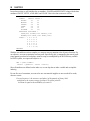
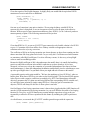
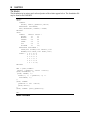
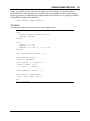
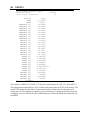
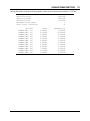
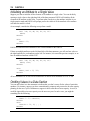
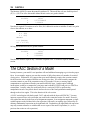
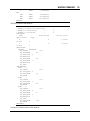
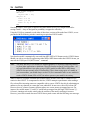
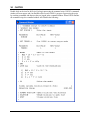
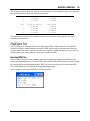
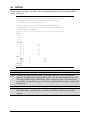
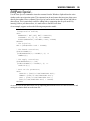
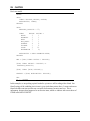
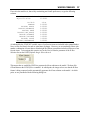
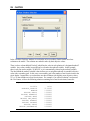
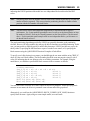
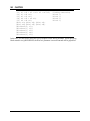
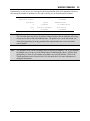
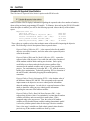
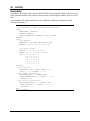
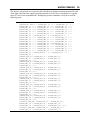
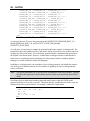
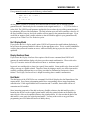
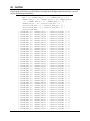
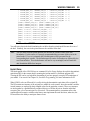
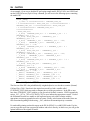
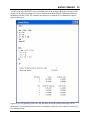
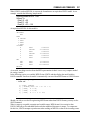
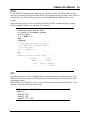
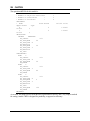
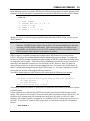
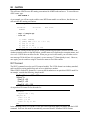
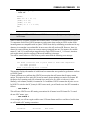
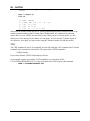
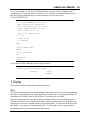
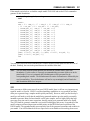
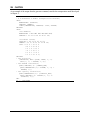
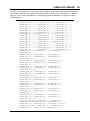
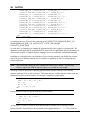
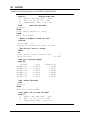
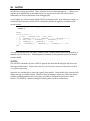
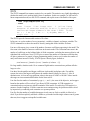
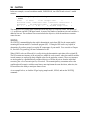
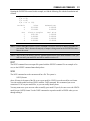
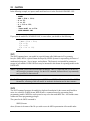
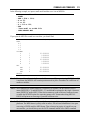
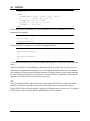
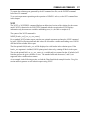
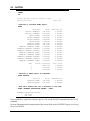
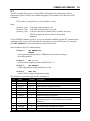
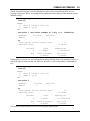
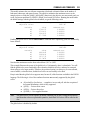
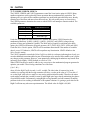
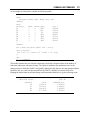
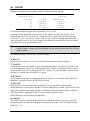
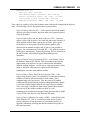
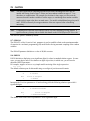
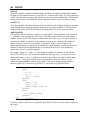
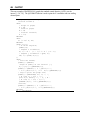
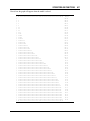
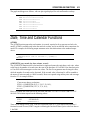
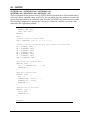
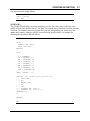
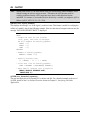
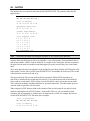
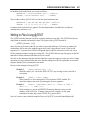
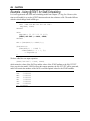
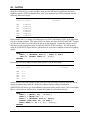
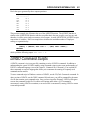
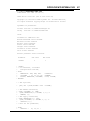
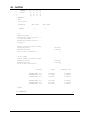
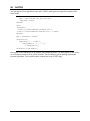
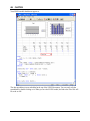
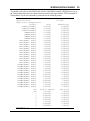
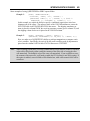
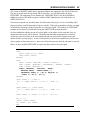
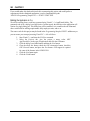
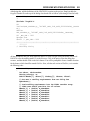
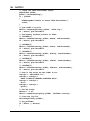
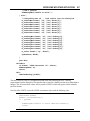
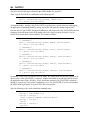
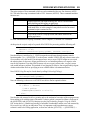
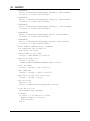
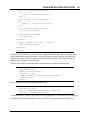
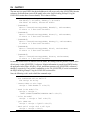
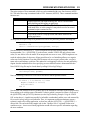
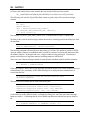
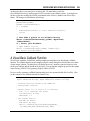
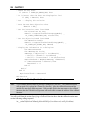
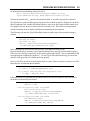
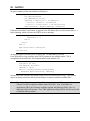
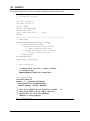
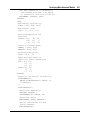
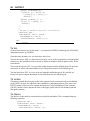
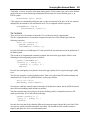
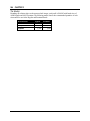
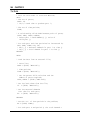
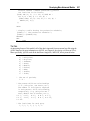
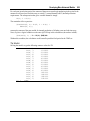
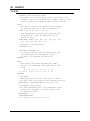
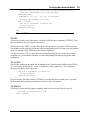
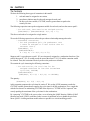
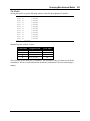
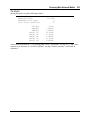
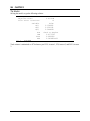
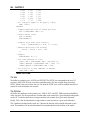
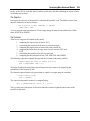
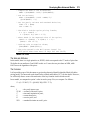
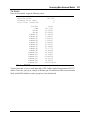
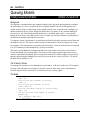
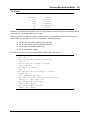
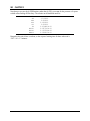
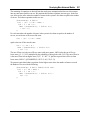
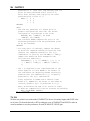
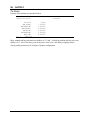
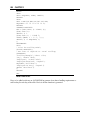
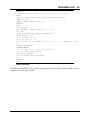
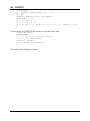
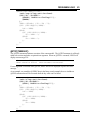
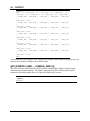
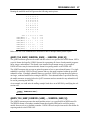
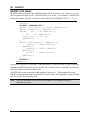
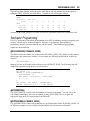
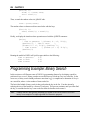
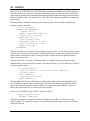
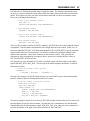
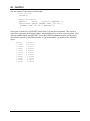
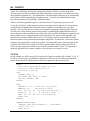
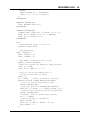
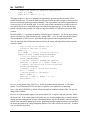
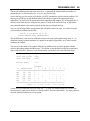
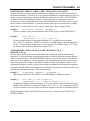
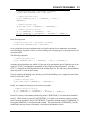
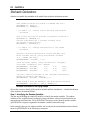
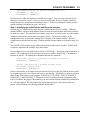
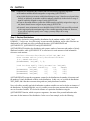
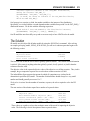
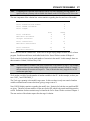
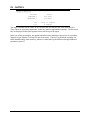
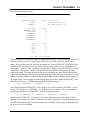
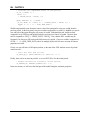
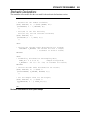
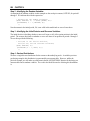
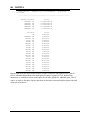
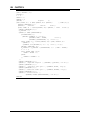
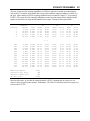
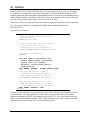
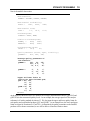
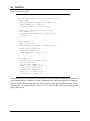
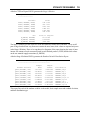
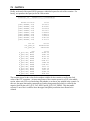
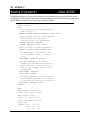
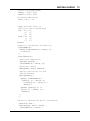
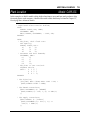
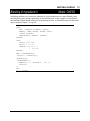
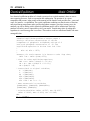
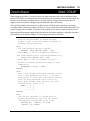
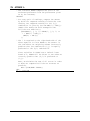
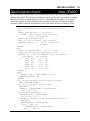
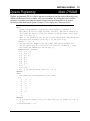
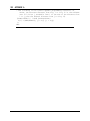
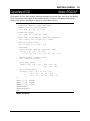
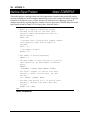
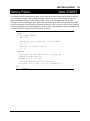
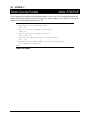
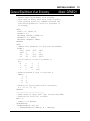
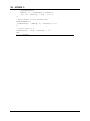
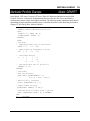
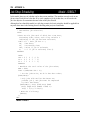
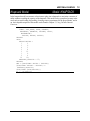
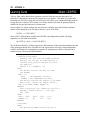
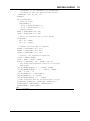
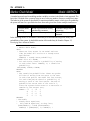
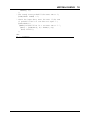
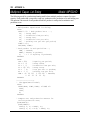
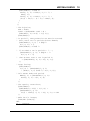
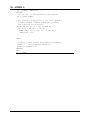
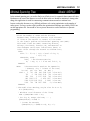
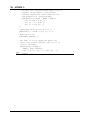
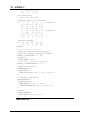
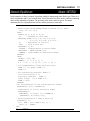
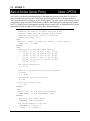
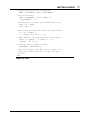
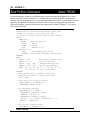
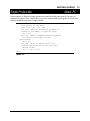
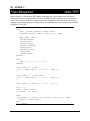
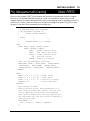
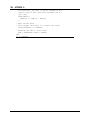
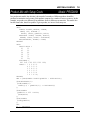
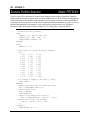
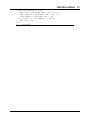
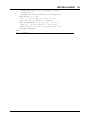
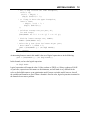
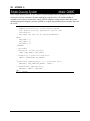
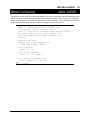
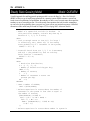
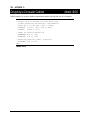
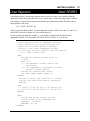
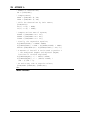
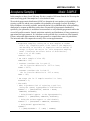
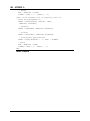
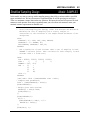
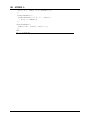
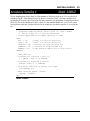
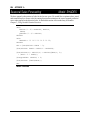
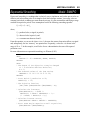
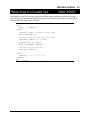
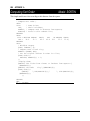
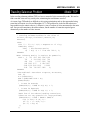
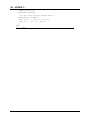
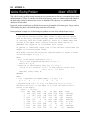
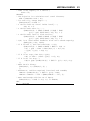
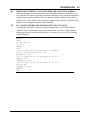
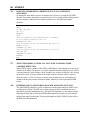
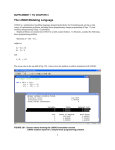
As an example, in the following session, we load the Chess Snackfoods example from the Using Sets
section and then generate several solution reports using NONZ: