1
4.5
Compiling the Complete Distribution
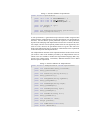
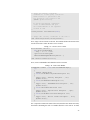
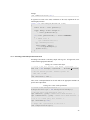
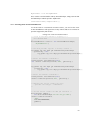
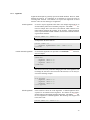
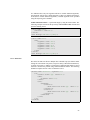
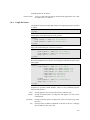
In the main cog directory, type: $ ant dist
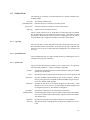
A new directory named dist will be created in the cog directory. Inside the dist
directory you will find a cog-<version> directory, which contains libraries (lib),
configuration files (etc), example files (examples), and application launchers (bin).
4.6
Compiling Individual Modules
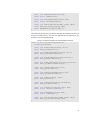
The main cog directory contains a subdirectory named modules, which in turn contains all the modules that compose the Java CoG Kit. You can change directory to
any of these modules and type the following in order to obtain a binary distribution
directory for that module:
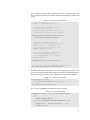
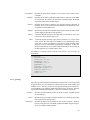
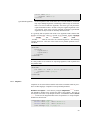
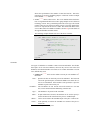
$ ant dist
A dist/<modulename>-<moduleversion> directory will be created containing the
distribution files. Any modules that the compiled module depends on will also be
compiled and included in the same directory.
4.7
Using the Java CoG Kit version 4
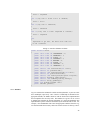
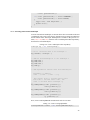
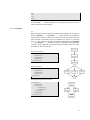
The following is the basic layout for the binary distribution directories, whether
obtained by downloading the precompiled packages or by compiling the sources:
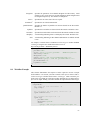
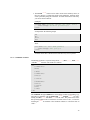
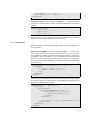
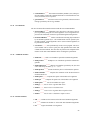
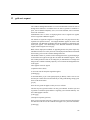
bin/ etc/ lib/
The bin directory contains launchers that can be used to start a particular application in the Java CoG Kit. The etc directory contains configuration files needed
by various parts of the Java CoG Kit. The lib directory contains the jar files that
belong to the Java CoG Kit, together with the libraries required to run various parts
of the Java CoG Kit.
To start a particular CoG application, go to the bin directory and choose its respective launcher. IMPORTANT! The Java CoG Kit version 2 automatically detects the
COG INSTALL PATH. If you have the variable set to a specific directory pointing
to an older version of the Java CoG Kit, unexpected behavior may result. Please
unset the COG INSTALL PATH variable before running any of the applications,
or set it to either
cog/dist/cog-<version>
or
cog/modules/<modulename>/dist/<modulename>-<moduleversion>
4.8
Downloading JGlobus
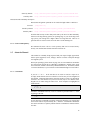
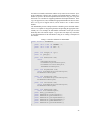
JGlobus, the Globus Toolkit v2.x1 client API, though included as a precompiled
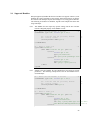
version in the Java CoG Kit, is also available as a separate download. The current JGlobus source code can also be fetched from the source repository by using the following commands. In order to reduce ambiguity, a directory named
<download> will be used as the base of the following operations.
1
For further details about JGlobus and Globus Toolkit versions interoperability, please consult the Java
CoG Kit compatibility matrix athttp://www.globus.org/cog/java/production.php
28