1
Chapter 4 - DMT 204CM Control Program
4.1 Control of Temperature and Light Intensity
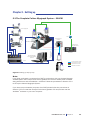
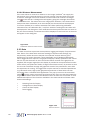
In addition to the VediView™data acquisition and analysis software a program is
installed on the computer allowing temperature and light intensity control of the
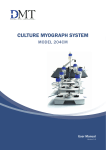
Culture Myograph 204CM system.
To run the DMT 204CM control program, please select the “204CM controller” which
was copied to your desktop during installation. “204CM controller” can also be found
in START->All Programs->DMT->204CM
Note:
Make sure that the heat controller is turned on and the microscope is connected to
the frame grabber, before running the 204 controller.
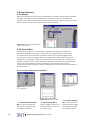
4.1.1 Connecting the Heat Controller and the Microscope
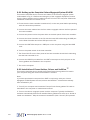
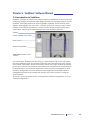
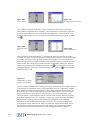
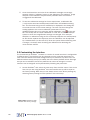
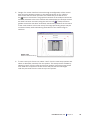
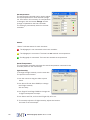
When the 204CM Controller is started it will automatically connect to the Microscope
and Heat Controller. In the About Tab, the status of the COM connections is shown. If
the connection fails please check that the Microscope and Heat Controller is turned
on, and that the USB cables is connected.
User Manual vers. 1.4
Chapter 4
39